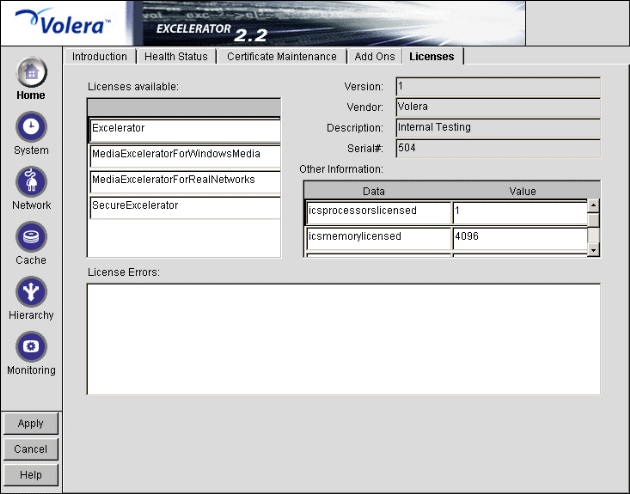
Figure 72
The Licensing tab lets you view licensing information for licensed components installed on the appliance. Excelerator add-on products require valid licenses to run. In some cases, the browser-based tool requires a valid license before it displays add-on controls, panels, and so on.
You install add-on products and their accompanying licenses using the Upgrade Tab.
IMPORTANT: If you are upgrading to from a previous version of Excelerator, you must remove all previously installed product license(s) and install new licenses before you can use the product. For further information on license management, see Installing and Upgrading Licenses.
Licenses Available: A list of the licensed components installed on the appliance.
Version: The version of the selected component.
Vendor: The vendor of the selected component.
Description: A brief description of the selected component.
Serial #: The serial number of the selected component.
Other Information: Details of the selected component license.
License Errors: Description of any current problems with the license. If a component is not running, this box might indicate what the problem is.