3.19 GWAVA Reload
GWAVA Reload is a tool for backing up, and accessing multiple data sets of your post offices on NetWare, Linux, and Windows. GWAVA Reload creates ‘Hot Backups’ that can be accessible to a GroupWise client within minutes.
To configure Reload to operate with Redline, administrators should know the IP address and port of the GWAVA Reload server's HTTP/HTTPS monitoring port. GWAVA Reload has everything you need for Redline automatically available, and you don't need to configure anything in GWAVA Reload.
For full monitoring capabilities and reports, you need to run a Redline Agent on the reload box, because it needs access to some log files.
From the Redline Control Center, go to the System View and pick the Redline Agent which will monitor the GWAVA Reload Agent. Specify IP address and port of your GWAVA Reload server. Username and password only are utilized if Reload has been configured to require authentication for the web user interface.
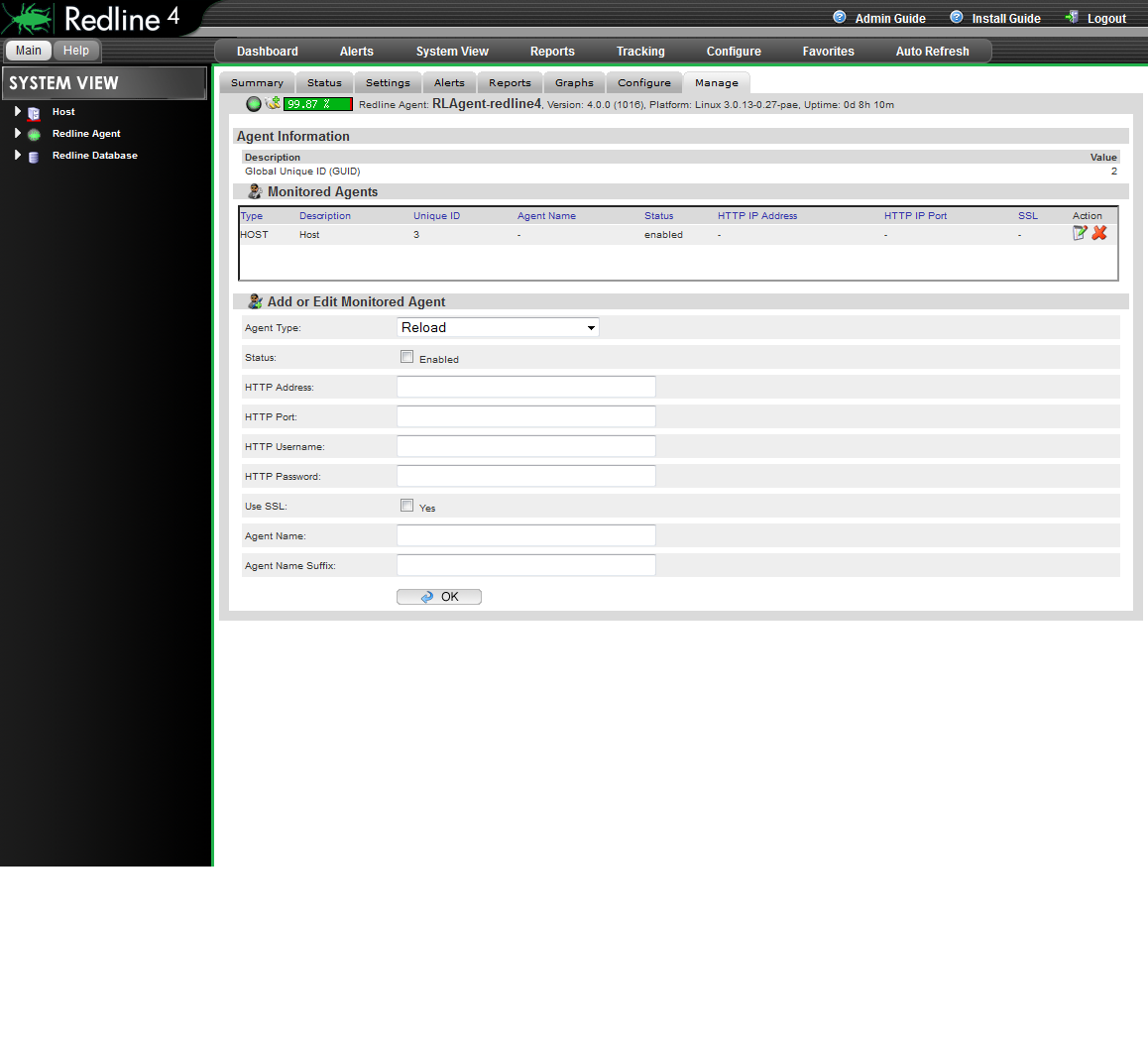
After 2-3 minutes, a message should appear on the Redline Agent that the Reload agent has been registered to the Control Center and shows up in the Control Center.