Download the GroupWise Async Gateway from the Novell Product Downloads site into a temporary directory.
Run setupasy.exe to extract the Async Gateway files and start the Async Gateway Installation program.
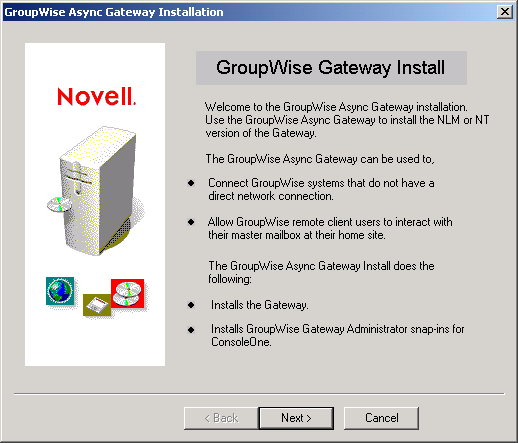
If the Installation program does not start it manually, run install.exe in the directory where you extracted the Async Gateway files.
Click Next to view the License Agreement, then click Accept to proceed with the installation.
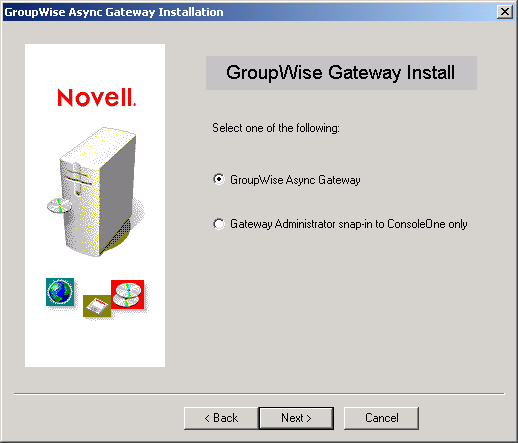
Select GroupWise Async Gateway, then click Next.
Follow the prompts, using the information from the Async Gateway Installation Worksheet to install the Async Gateway.
Click Install.
The status bar displays the progress of the installation.
Select View Readme to view the Readme file included with the software.
Click Finish.
If you are updating an existing installation of the Async Gateway, check in ConsoleOne to make sure that the Database Version field on the Async Gateway Identification page is set to 4.x.
Do not start the Async Gateway at this time. Continue with Defining Async-to-Async Connections.