Establishing the GroupWise Internet Domain Name
If you want users to be able to reply to and forward messages after they have been migrated to the GroupWise system, you must use the same Internet domain name for the GroupWise system as you use for your Exchange system.
-
Make sure that the Internet Agent is installed and running in your GroupWise system.
-
In ConsoleOne®, log in to the eDirectoryTM tree where you want the Migration Utility to create User objects for the Exchange users. Make sure you have sufficient rights to create User objects in the contexts where you want the Migration Utility to create them.
-
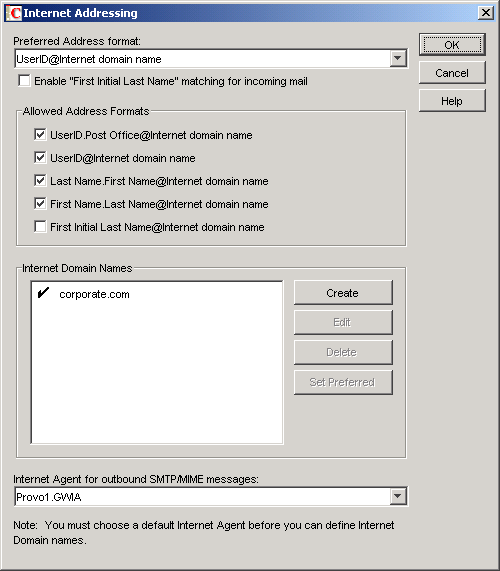
Click Tools > GroupWise System Operations > Internet Addressing.
-
To add an Internet domain name that matches the one for your Exchange system, click Create in the Internet Domain Names box.
-
Type the domain name, then click OK twice to save the new domain name.
The Migration Utility always uses the userID@Internet_domain format for addresses that are migrated from Exchange to GroupWise.
-
Make sure that the Internet Agent is running in your GroupWise system.