3.3 Starting the User Application driver
To start the user application driver:
-
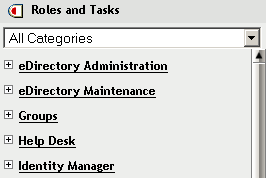
Click the Identity Manager link in the iManager navigation tree to see the commands available in the Identity Manager category:
-
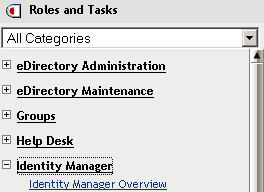
Click the Identity Manager Overview link under the Identity Manager link in the iManager navigation tree:
A wizard is displayed that you use to browse the system to locate the driver set that contains the driver that you want to activate.
-
Select the driver set, then click Next. The Identity Manager Overview page is displayed.
-
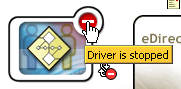
Click the round status indicator in the upper right corner of the driver icon:
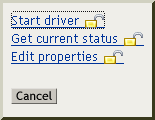
A menu that lists commands for starting and stopping the driver, and editing driver properties, is displayed:
-
Click Start driver.