17.1 Creating Global Workflows
You can create workflows that are accessible to all Kablink Teaming users.
-
Click the icon
 .
.
-
Under , click .
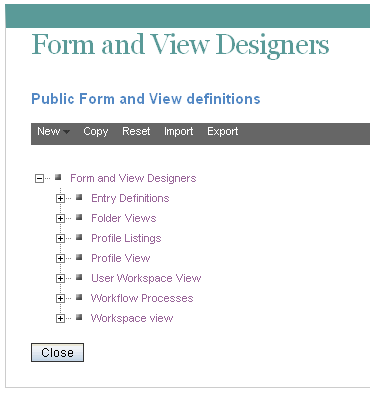
-
Follow the steps for creating and managing a workflow, as described in
Creating and Managing Workflows
in the Kablink Teaming 3 Advanced User Guide.Remember that when you create workflows at the Administration level, the workflows that you create can be leveraged by all users in your Teaming site.