5.2 Creating a User
For testing purposes or for a very small Kablink Teaming site, you can create each Teaming user manually.
-
Log in as the Teaming administrator, then click the icon
 .
.
-
Under ,click .
-
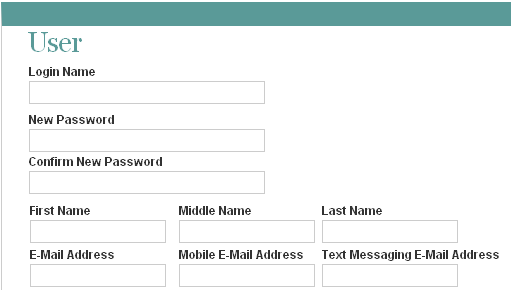
Specify at least the user ID, password, first name, and last name.
-
(Optional) Provide useful information in the additional fields for the new user.
-
Click , then click to return to the administrator’s workspace.
If you click the icon
 , then expand , you see that the workspace for the user you just created does not exist yet. Workspaces are not created for users until the users log in for the first time.
-
Click the icon
 to log out as the Teaming administrator.
-
On the login page, provide the username and password for the Teaming user you just created, then click to see the workspace for the new user.
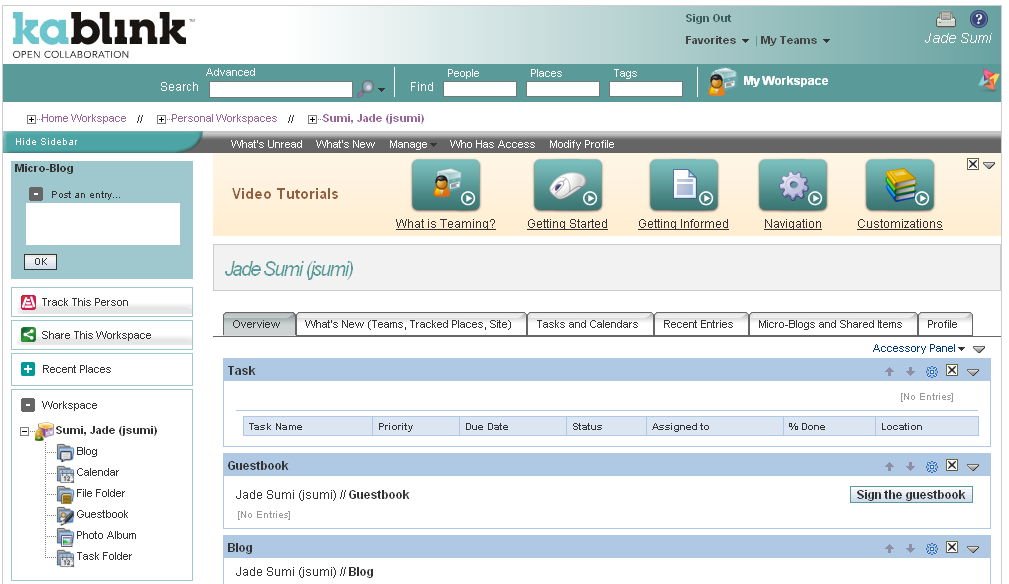
As each new user logs into the Teaming site, a personal workspace is created.
-
Click the icon
to leave the new user’s personal workspace.