The Tomcat Administration Tool, referred to as Tomcat Admin, is a Web-based administration tool created by the Apache Foundation. Changes made to Tomcat using Tomcat Admin can be saved persistently so that the changes remain when Tomcat is restarted, or they can be applied to the current session only.
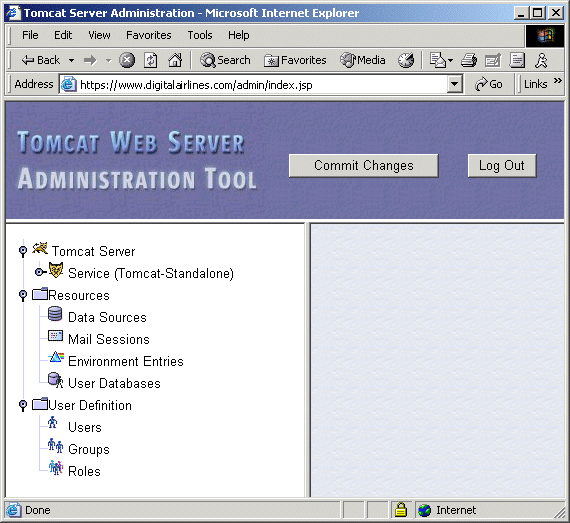
For security reasons, you must first modify the tomcat-users.xml file before you can use Tomcat Admin on NNLS.
Open the /etc/opt/novell/tomcat4/tomcat-users.xml file.
Either locate an existing user or define a new user.
Type admin,user in the Roles section of the defined user.
Save your changes to the tomcat-users.xml file and exit it.
Restart Tomcat
When logging in to Tomcat Admin, use the username and password of the user you modified or defined.
In a Web browser, enter
https://domain_name/admin/
in the Address field, replacing domain_name with either your server's domain name or IP address.
IMPORTANT: You must include the trailing slash mark (/) at the end of the URL. If you do not include it, the server might return a 404 Not Found error.
When prompted for a username and password, enter the username and password you specified in the tomcat-users.xml file.
Refer to the Tomcat Administration Tool documentation for more information about using Tomcat Admin.
The location of Tomcat's configuration files and Web application directory varies from platform to platform.
On NNLS, the configuration files are stored in the /etc/opt/novell/tomcat4 directory. The default Web application directory is set to /var/opt/novell/tomcat4/webapps.