In the iPrint Manager Health Monitor, locate Printer2 in the list.
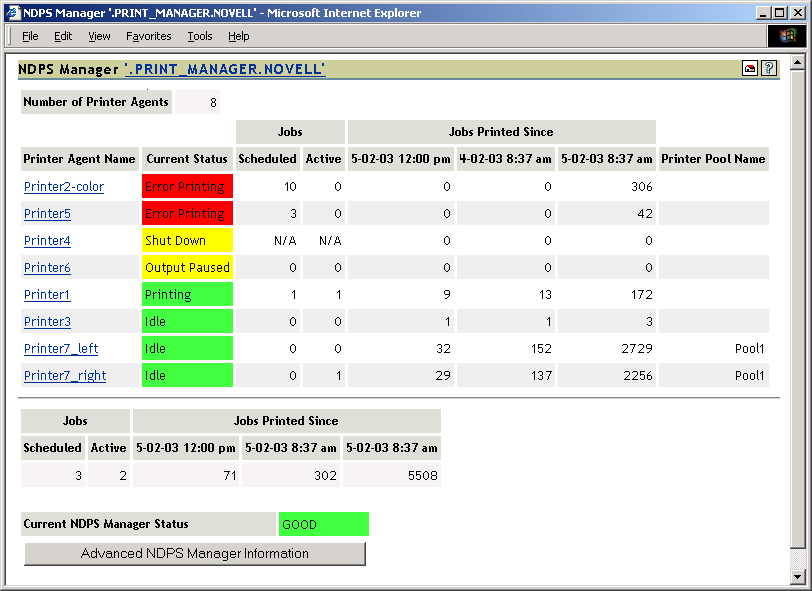
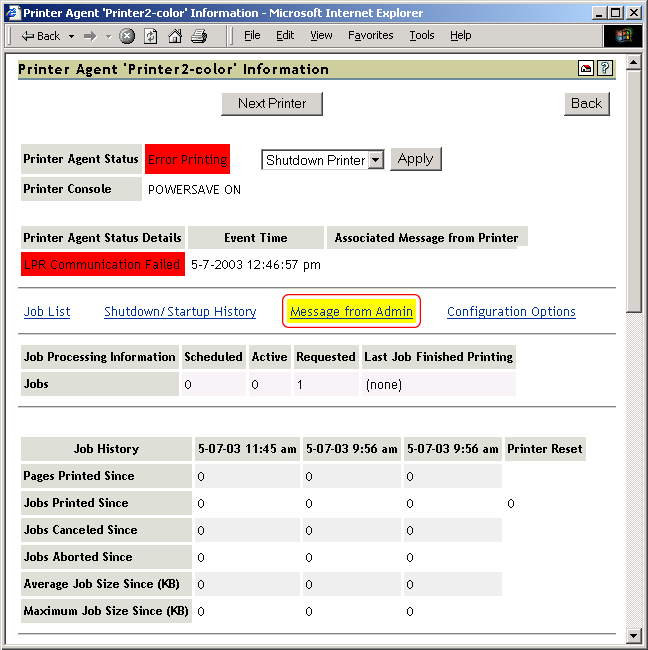
Printer2 shows a printing error.
Click the Printer Agent name.
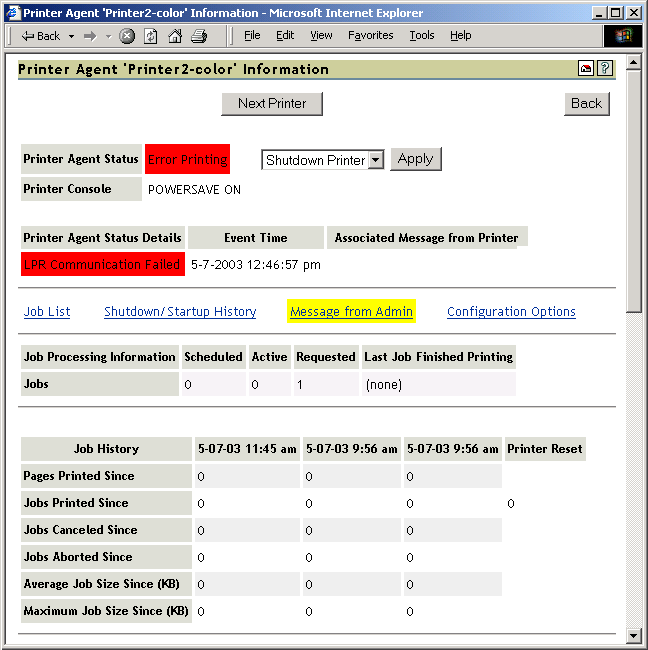
Reviewing the Printer Agent Status Details, you determine that the iPrint Manager and the printer are not communicating.
Obtain the IP address from the Gateway field in the Printer Information table.
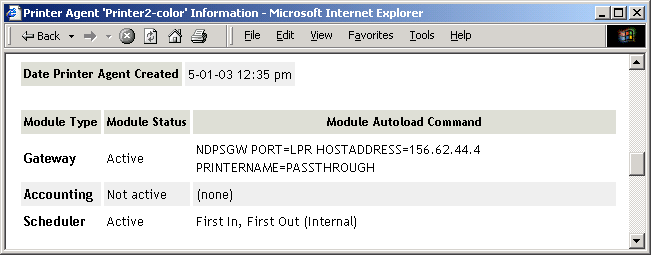
Ping the IP address.
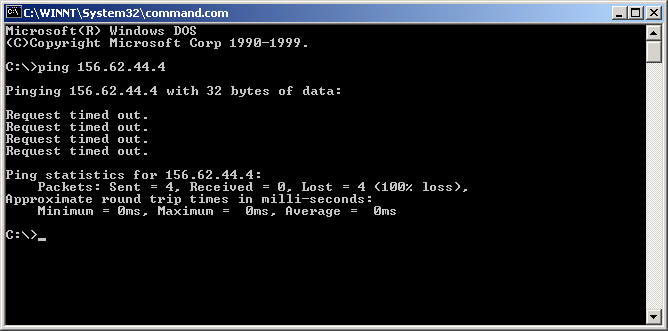
You discover that you cannot ping the IP address, so the printer must be disconnected from the network or turned off.
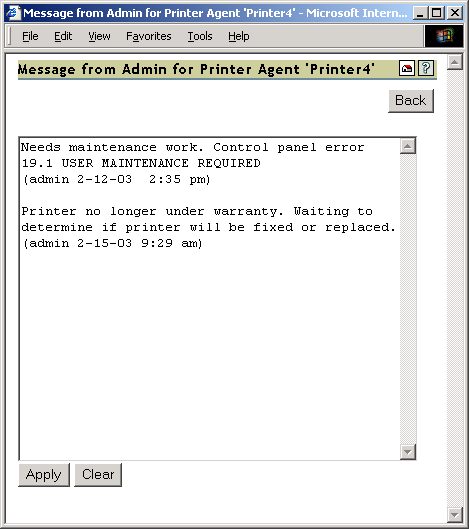
Check for any messages from the administrator by clicking Message from Admin.
The Message from Admin shows that the printer has been disconnected from the network.
Have Angela install and print to a different printer.