28.0 Viewing the Command Status of the SSL VPN Server
Use the Command Status page to view the command status of the selected SSL VPN server.
-
In the Administration Console, click > [Server Name] > .
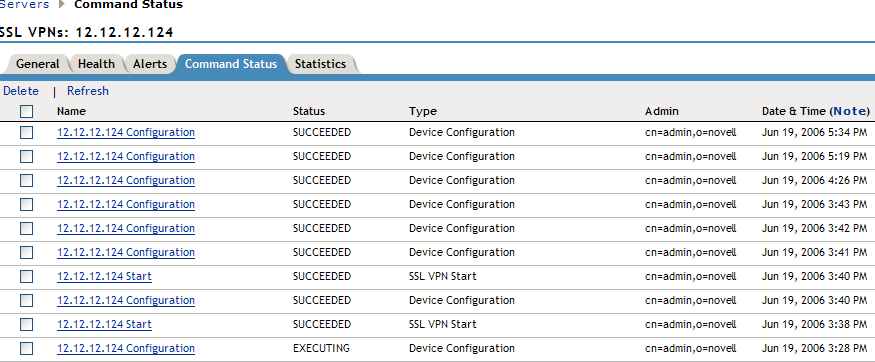
This page lists the command and the following information about the command:
Name: Contains the display name of the command. Click the link to view additional details about the command. For more information, see Section 28.1, Viewing Command Information.
Status: Displays the status of the command. Some of the possible states include , , , and .
Type: Displays the type of command.
Admin: Indicates if the system or a user issued the command. If a user issued the command, the DN of the user is displayed.
Date & Time: Displays the local date and time the command was issued.
-
To delete a command, select the check box for the command, then click . The selected command is cleared.
-
To update the current cache of recently executed commands, click .
-
Click to close the Command Status page.