26.3 Viewing the Bytes Graphs
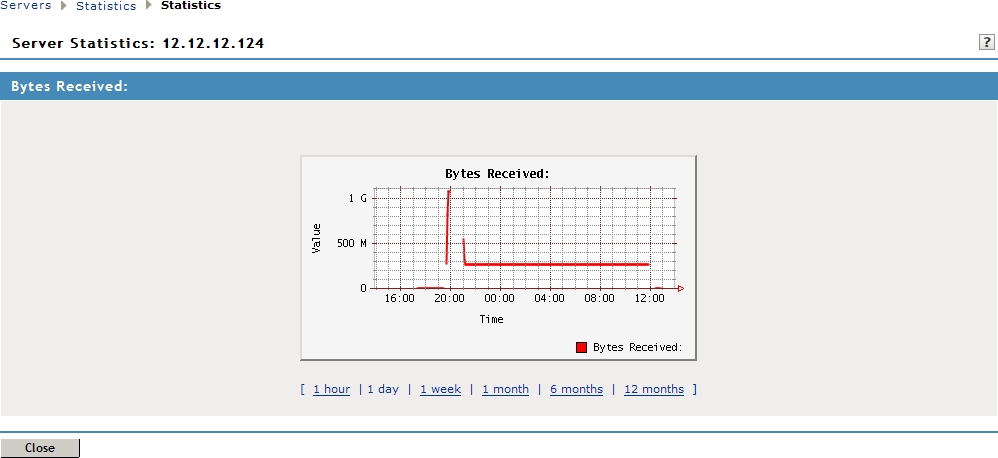
The number of bytes sent and bytes received can be viewed in the form of graphs. You can view graphs for the following time frames:
-
1 Hour: The number of bytes sent or received every ten minutes.
-
1 Day: The number of bytes sent or received every four hours.
-
1 Week: The number of bytes sent or received every day.
-
1 Month: The number of bytes sent or received every week.
-
6 Months: The number of bytes sent or received every month for six months.
-
12 Months: The number of bytes sent or received every month for one year.
To view graphs:
-
In the Administration Console, click > [Server Name] >
-
Select from either the or section, depending on your needs.
-
Click to close the Graphs page.