1.10 Clock and Time Zone
In this dialog, select your region and time zone from the lists. During installation, both are preselected according to the selected installation language.
Figure 1-3 Clock and Time Zone
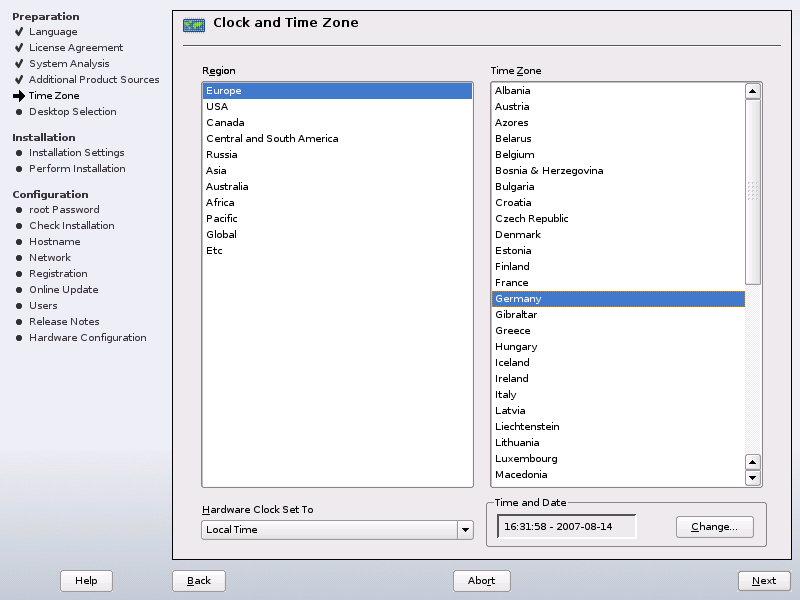
To set up the clock, choose between and (GMT) for . If you run another operating system on your machine, such as Microsoft Windows*, it is likely your system uses . If you only run Linux on your machine, set the hardware clock to UTC and have the switch form standard time to daylight saving time performed automatically. Click to set the current date and time.
You can either enter time and date or
. See Section 24.0, Time Synchronization with NTP,
(↑ Reference ) for more information. When finished, click
to continue the installation.