1.2 Creating Modules
Retain Modules are the foundation that links your messaging systems to Retain. Each module type is as unique as the system it connects to.
Both Retain archiving models (Push-based and Pull-based) require messaging-system-specific modules. For Pull-based archiving, you cannot create Profiles or Jobs until after you create Modules for their respective systems.
Path: Retain Server Manager
Figure 1-2 The Module Configuration Page
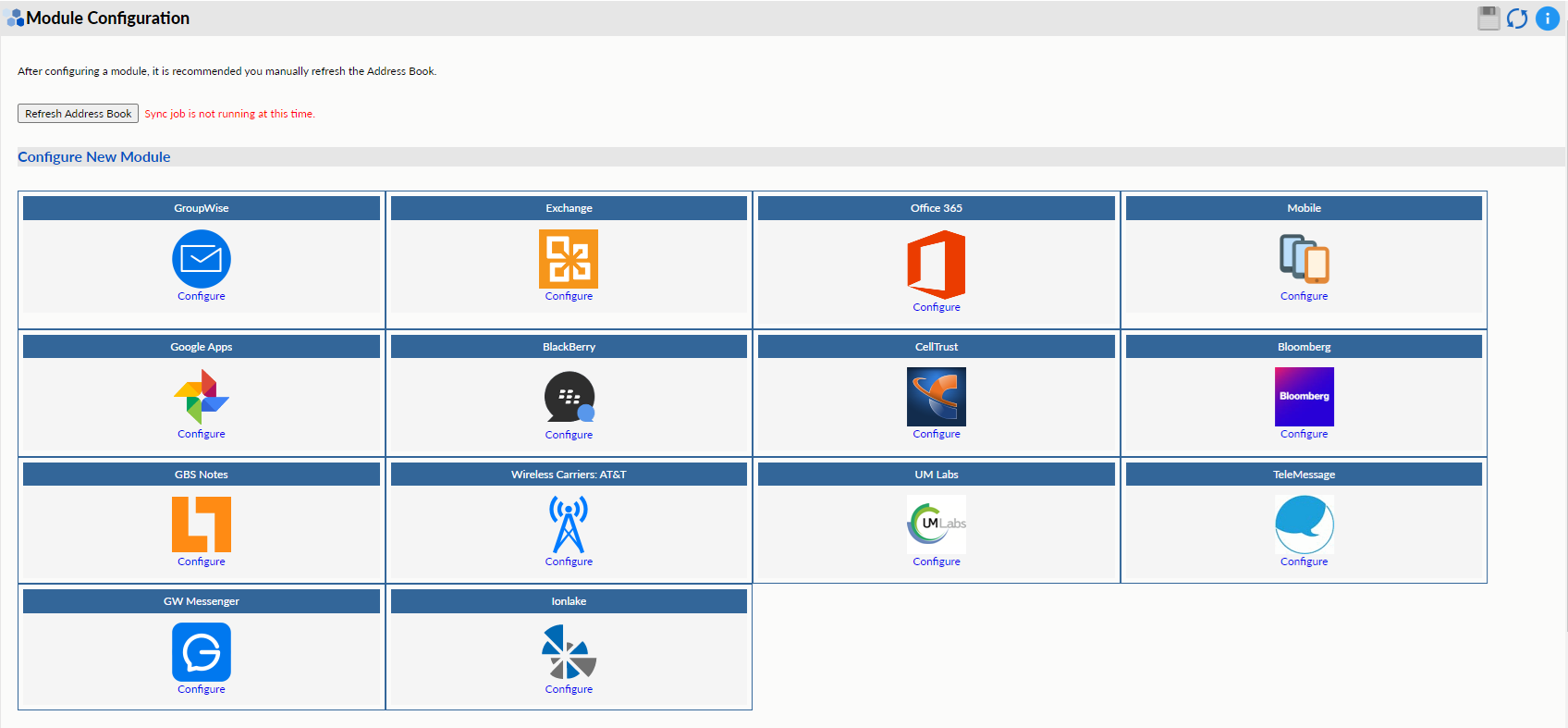
Table 1-2 Using the Module Configuration Page
|
Field, Option, or Button |
Information and/or Action |
|
|---|---|---|
|
Configure New Module |
|
|
NOTE:The module name has to be unique within the module type and across different types modules.