8.10 Outlook Plugin Silent Install
The Retain Outlook plugin can be deployed across your network with a Windows policy.
-
Download the correct Outlook plugin .msi file that you need for your installation from the Tools menu. Make sure you get the 32bit or 64bit version that corresponds to your version of Outlook, not your operating system.
-
Download Orca and install it on the computer where you have your newly downloaded .msi file.
-
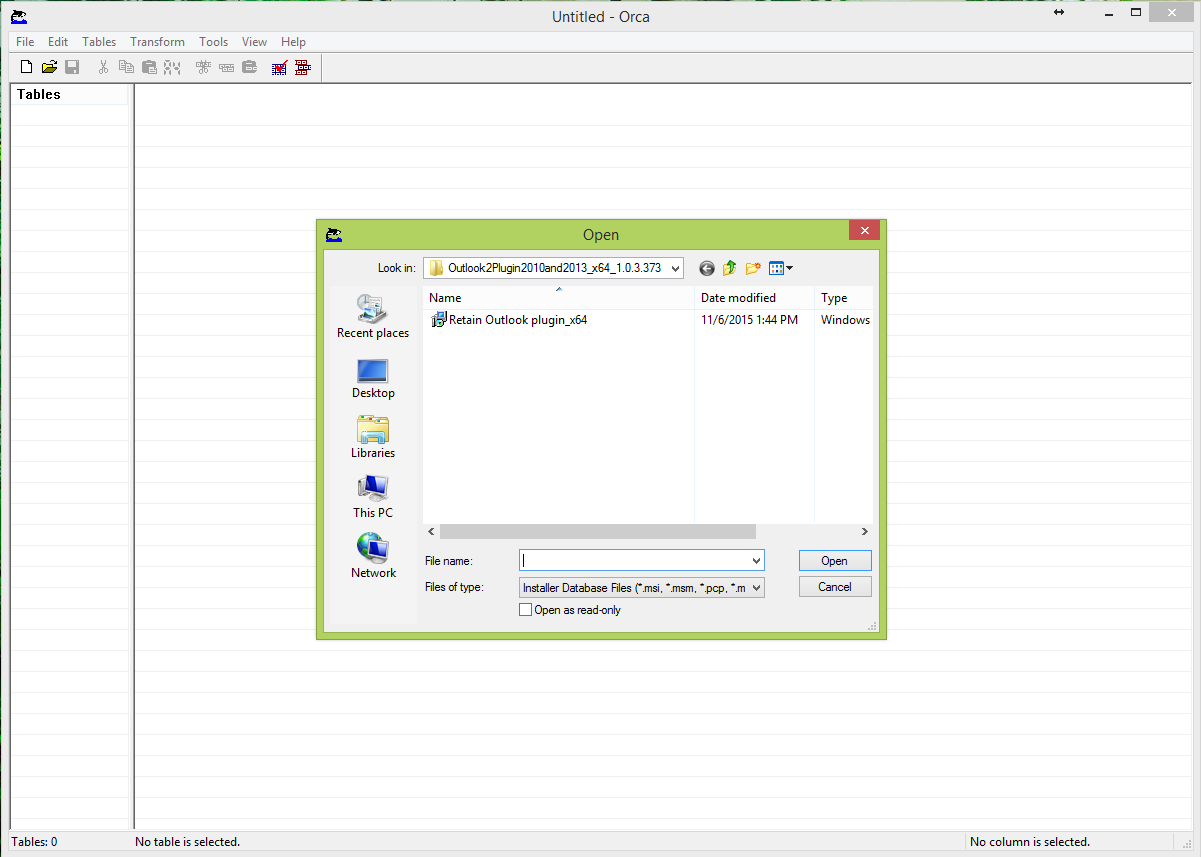
Run Orca and open the .msi file that you wish to make the changes to.
-
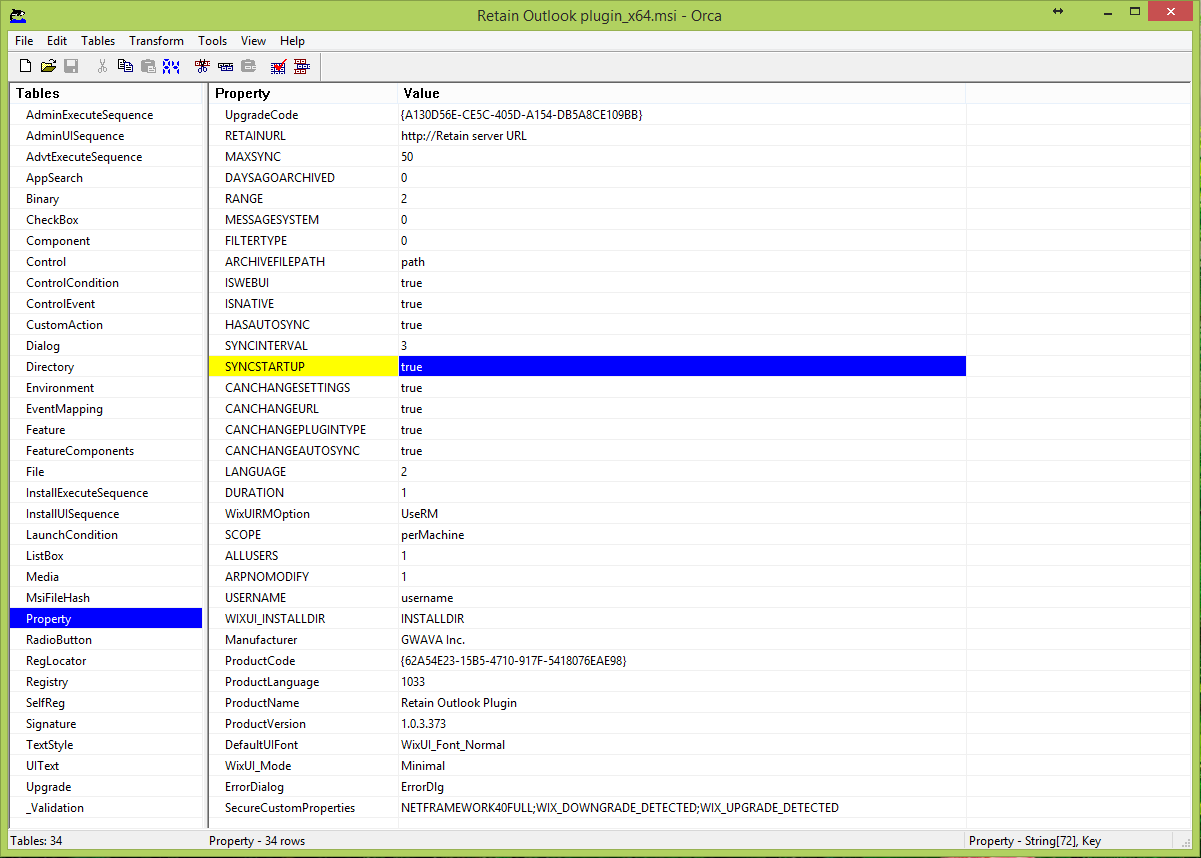
After you open the .msi file you will need to go down to the table called "property" and select this table which will show you all the properties and switches of the .msi file. Here is where you will set your switches to true or false depending on what you would like your final settings to be after the silent install.
-
After you have made the changes, save the amended file and close Orca. Now you are ready to deploy the .msi file in your group policies across your network. Make sure that the prerequisites Visual Studio Tools for Office v. 4 and .Net 4 or higher are installed on the workstations.