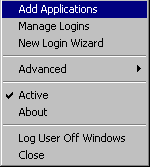
Right-click the SecureLogin icon on the system tray, then click Add Applications.
Click next until you reach the Select a Web Site or Application dialog box.
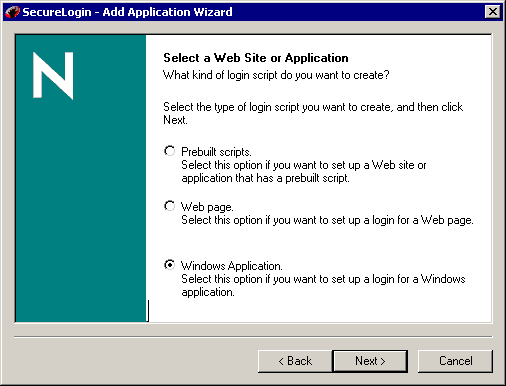
Select Windows Application, then click Next.
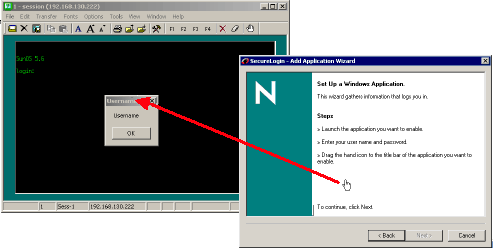
Drag the hand icon and drop it onto the title bar of the Username dialog box.
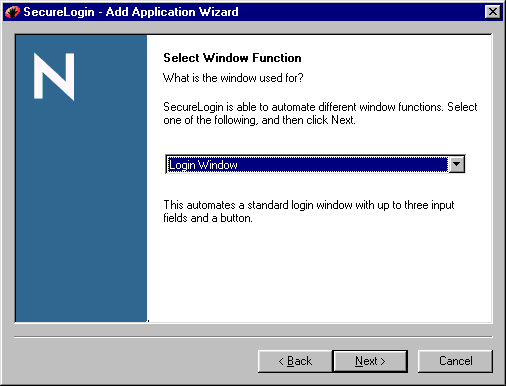
In the Select Window Function dialog box, select Login Window from the drop-down list, then click Next.
Select the login fields.
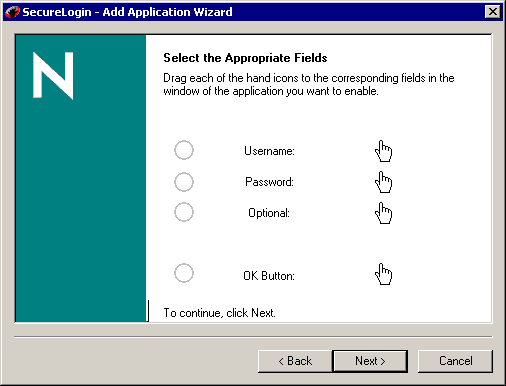
- 6a Drag the hand icons and drop them onto the Username, Password, and (if appropriate) Optional fields.
- 6b Drag the hand icon for the OK Button and drop it onto the login button (for example OK, Next, or Continue).
Click Next, confirm login details, then click Next again.
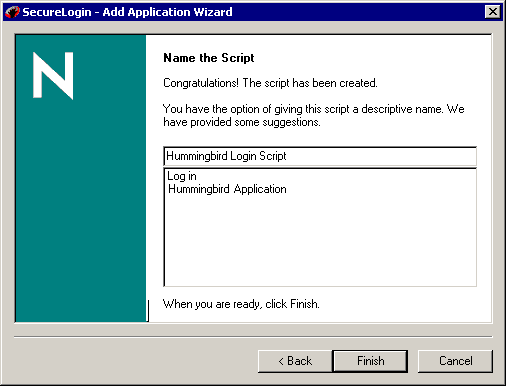
In the Name the Script dialog box, type a name, then click Finish.