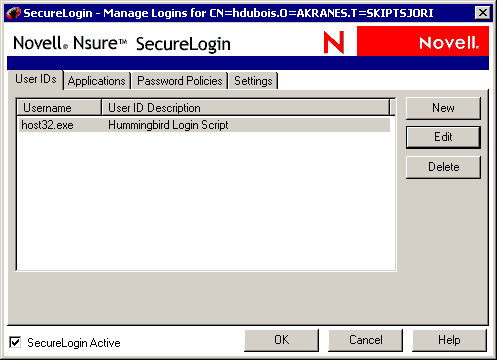
Right-click the SecureLogin icon on the system tray, then click Manage Logins.
Select hostex32.exe from the User IDs list, then click Edit.
Click Script, then edit the script.
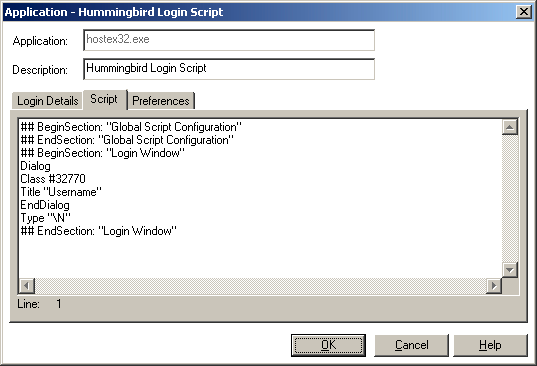
Replace the displayed script with the following script:
Dialog
Class #32770
Title "Username"
EndDialog
Click #2
Delay 50
Type -raw $Username
Type -raw \N
Dialog
Class #32770
Title "Password"
EndDialog
Click #2
Delay 50
Type -raw $Password
Type -raw \N
Click OK twice, then close SecureLogin.
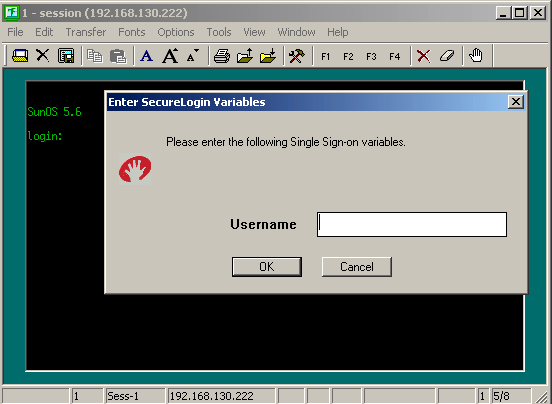
Start the emulator session, type your username, then click OK.

(Conditional) Respond to error messages.
Depending on the values that you entered for the Timeouts in the emulator macro, the error message might be displayed after you click OK.
If the error message is displayed, click OK to close the session, then restart the session. This might happen twice. To avoid the problem, raise the timeout value in the Macro settings, or enter the username and password more quickly.
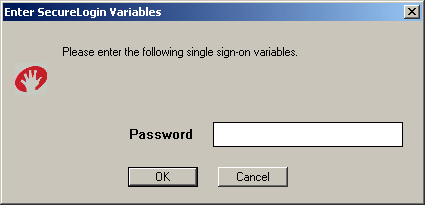
Type the password, then click OK.

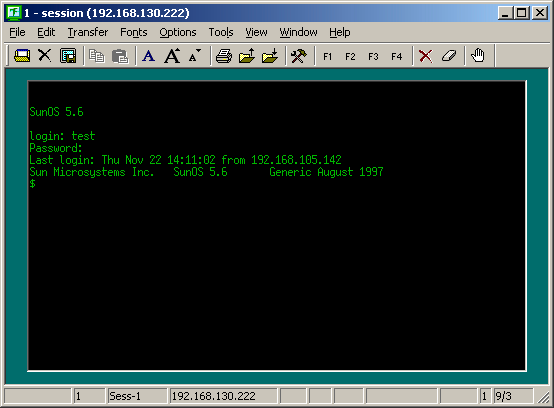
SecureLogin launches the emulator, enters your username and password, and logs you in to the session.