14.6 Locally Installing a Digital Signing Key
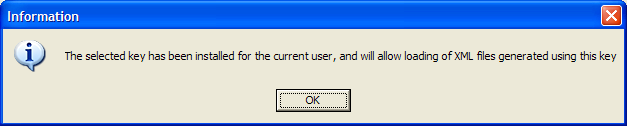
The dialog box provides a tool to install a digital signing key locally, enabling loading of XML files generated using this key
-
Log in to iManager.
-
Select > . The Manage SecureLogin SSO page is displayed.
-
In the object field, specify your object name, then click .
-
Click . The Distribution details are displayed.
-
Click . The Manage signing keys for secure file distribution dialog box is displayed.
-
Specify a name in the field.
-
Click .
-
From the , select a new key.
-
Under , select . A confirmation message appears.
-
Click .