8.6 Viewing the Advisor Data
The following are the prerequisites to view the Advisor data:
-
The Advisor feed must be up-to-date, processed, and loaded into the Sentinel database.
-
The selected event is from a product supported by Advisor and has the Vulnerability field value set to 1.
You can view the Advisor data from the following options:
-
tab
-
In the Sentinel Control Center, click .
-
In the real-time events table, right-click an event that has the Vulnerability field value set to 1.
-
Click > or click > .
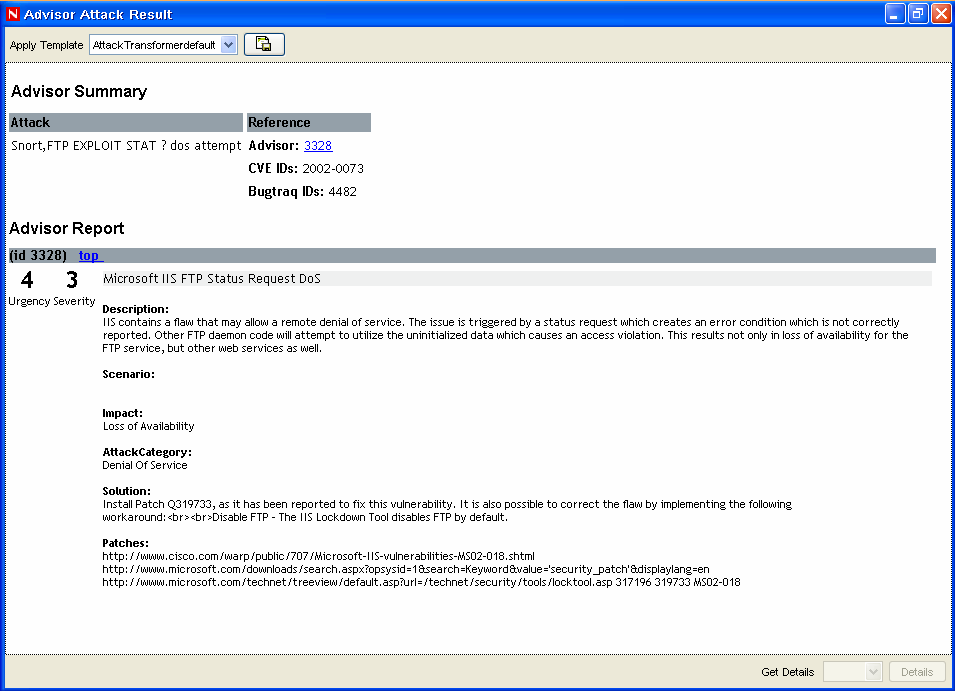
Figure 8-4 Advisor Data
-
-
tab
-
In the Sentinel Control Center, click > .
-
Add an offline query that filters events with the Vulnerability value set to1.
For more information on adding an offline query, see Section 7.3, Offline Query.
-