6.2 Cleaning Up after Testing
After completing the system verification, you should remove the objects created for the tests.
-
Log in to the system by using the Sentinel Administrative User specified during installation (admin by default).
-
Select the tab.
-
Open the Correlation Engine Manager.
-
Right-click in the Correlation Engine Manager, then select .
-
Open the Correlation Rule Manager.
-
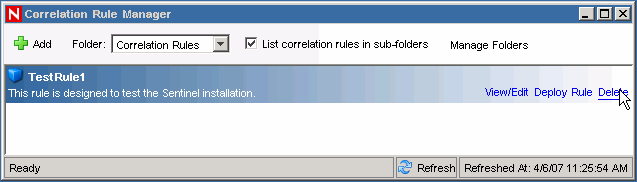
Select , then click .
-
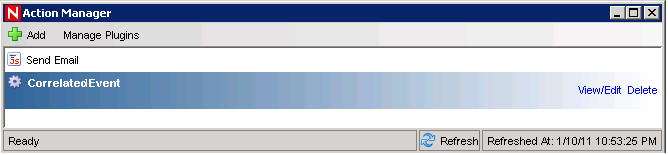
Select to display the Action Manager window.
-
Select the action, click , then click to confirm the deletion.
-
Select the menu, then select .
-
In the Graphical event source hierarchy, right-click , then select .
-
Close the Event Source Management window.
-
Click the tab.
-
Open the Incident View Manager.
-
Select , right-click, then select .