2.1 Changing User Permissions
-
Log into the Sentinel Control Center as a user with the User Management permissions.
-
Click the tab.
-
Select User Configuration from Admin tab. Alternatively, Select User Manager from User Configuration in the Navigator.

-
Right click user and select User Details.

-
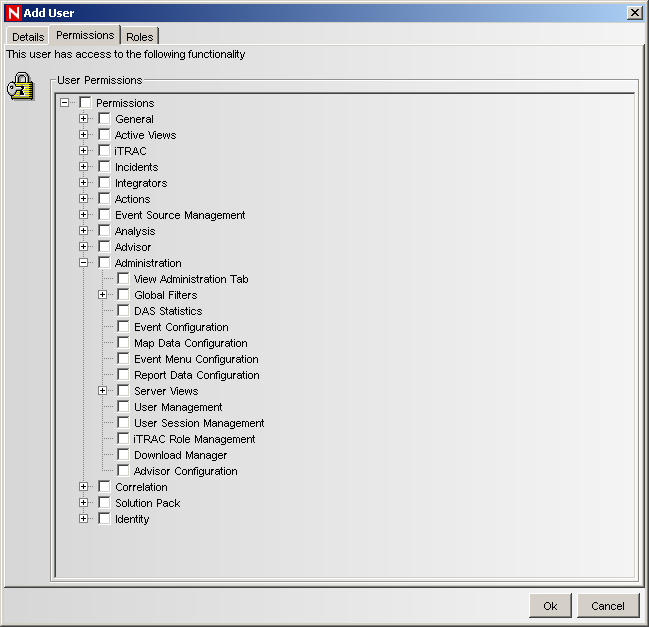
Select the tab.
-
Deselect the check boxes for which you want to restrict the user.
-
Click .