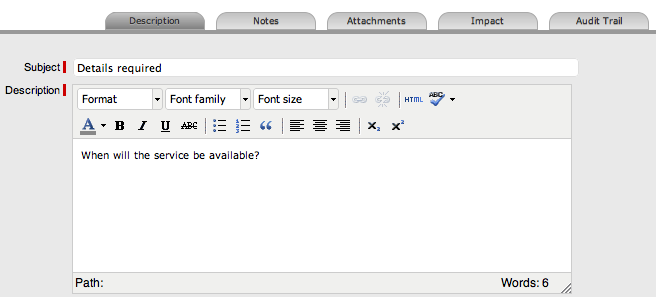
The RFC report entered during the request creation is recorded within the Description tab. Amendments can be made to the RFC report if required, but it should be noted that an Audit Trail is not maintained for alterations made within this screen. Therefore, it is recommended that any RFC report amendments be entered as an RFC Note.
The details recorded in the Subject field are displayed in scroll-over summaries throughout the application. For example, when a new Change Request is being entered for a Customer, a Recent Customer Requests list is displayed during the Change Request creation process for all Items the Customer owns either directly or via shared ownership. The Requests list includes a scroll-over summary where Subject content is displayed, if the Subject is completed for a Change Request. Subject information can also be included within a column in the Changes List View, for a quick glance summary of a Change Request.
The Administrator can set the Subject field to be required for Technicians and Customers within the Setup>Privileges>User and Setup>Privileges>Customer tabs, respectively.