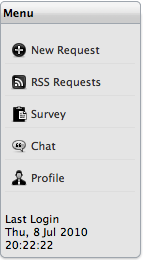
The Home Page provides Customers with multiple options that are available within the Customer Portal. These are accessible by selecting links within the Menu list and include:
Creating a new request
Subscribing to RSS Feeds for updated request and outage information
Accessing the list of Services offered by the Service Desk
Accessing Surveys
Initiating
chats with support Technicians.
Other information displayed on the Home Page includes:
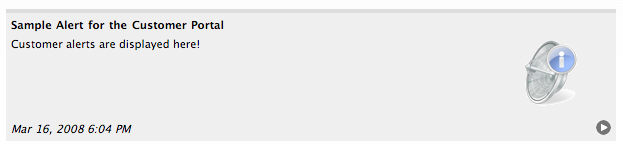
Alerts published by the Support Team
Open and Pending requests.
When an Alert is published to the Customer
Portal, it is displayed on the Home Page. If more than one Alert is received
within the Customer Portal, the Customer can use  to scroll through the Alerts. Alerts will no longer be visible when the
Alert expiration date is reached.
to scroll through the Alerts. Alerts will no longer be visible when the
Alert expiration date is reached.
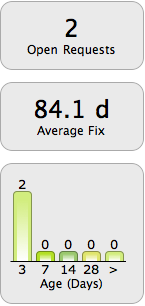
The Home page includes statistics that indicate the following:
Number of open/active requests
The average time
taken to resolve an issue
(Average Fix is only displayed if the Show Service Targets option is
enabled in Admin>Setup>Privileges>Customer.)
The age of open
requests, grouped by intervals in days.