Select
the View Outages option on the Public access section of the Login
Page

Select
the RSS Feed link within the Outages list
For browsers with a built-in RSS reader, the feed will be saved automatically.
If your web browser does not have an in-built RSS reader, a window
will open with an RSS URL.
Open
an RSS reader, and add a copy of the URL as a news feed.
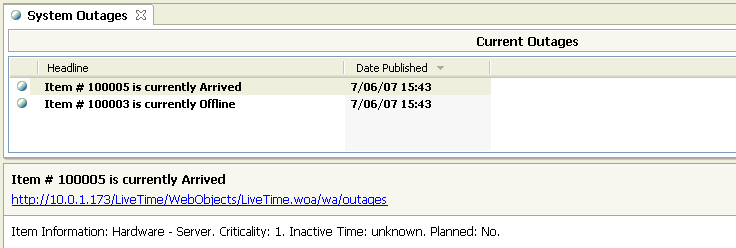
The selected feed provides updates on Items that are unavailable. The
feeds are updated according to the reader's automatic reload setting.