Outages

An Outage is when an Item moves into an unavailable State due to expected or unexpected events. For example, an Item is out-for-repair or faulty.


Viewing Outages within the Customer Portal

To view a list of current Item outages as a logged in Customer:

  1. Select the Items Tab
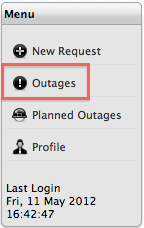
    cp_outages_option.png

  2. Within the Menu options, select Outages
    A list of Outage Items is displayed.

    item_outage.png

  3. Select the Item # hyperlink to view the related Items affected by the Outage
    The details of the unavailable Item are displayed.
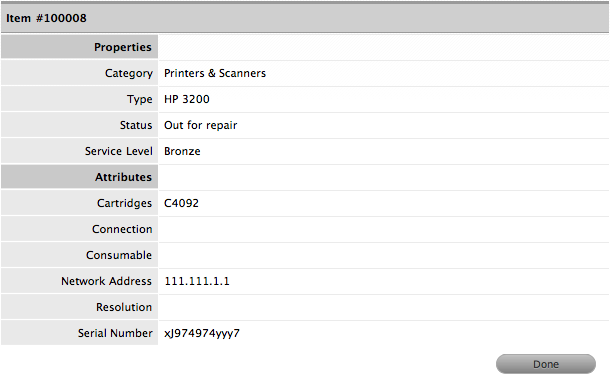
    item_outage_details.png

  4. Click Done.
    The Item Details are closed.