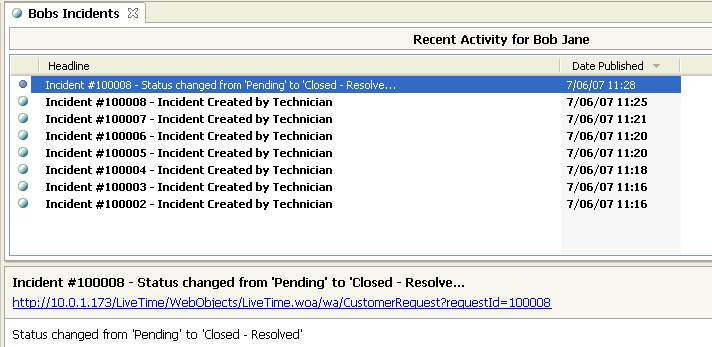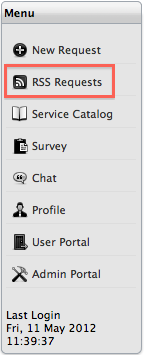
For up-to-the minute information regarding active requests, Customers can subscribe to RSS feeds within the Menu list. RSS feeds are accessible by newsreader software, with many newsreader applications freely available for download via the Web.
To subscribe to RSS feeds:
Log in to the Customer Portal
Select the RSS option
within the Menu window
For browsers with a built-in RSS reader, the feed will be saved automatically.
If your web browser does not have a built-in RSS reader, a window will
open with an RSS URL.
Open an RSS reader and
add a copy of the URL as a news feed
The feed provides Customer updates about request creation, new Note
creation and Status changes. The feed updates according to the reader's
automatic reload setting.