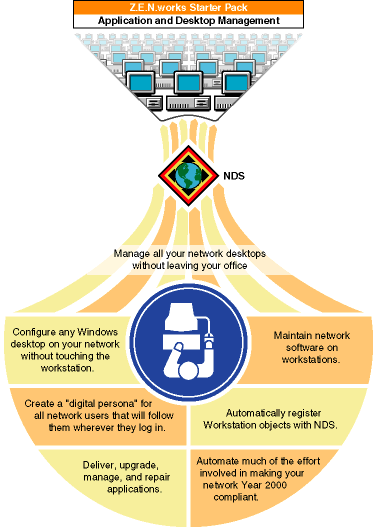
For complete conceptual and procedural information, see the Z.E.N.works documentation on the Client CD that ships with NetWare (browse the products\zenworks\public\nls\language directory, and then double-click dmpolicy.hlp). Or, if you've installed the Z.E.N.works Starter Pack and the latest clients, run NetWare Administrator and then choose Help > Help Contents > Z.E.N.works.
Starting Z.E.N.works Starter Pack
After you install the Z.E.N.works Starter Pack on your server and the latest client on your administrative workstation, the Z.E.N.works Starter Pack features are automatically available when you run NetWare Administrator. (Z.E.N.works is designed specifically for nwadmn32.exe but will run under nwadmn95.exe and nwadmnnt.exe as well.)
To prepare your system to use Z.E.N.works features:
Using Z.E.N.works Starter Pack
The power of the Z.E.N.works Starter Pack lies in its unique use of new NDS objects (Workstation, Workstation Group, and Policy Package objects) and its use of existing NDS objects (User, Group, Organization, Organizational Unit, and Application objects).
For complete conceptual and procedural information, start NetWare Administrator, then choose Help > Help Topics > Z.E.N.works.
Additional Features Available in Full Z.E.N.works Product
With the full Z.E.N.works product (available from your reseller), you can
- Solve user software problems without visiting the workstation or NT server (using NDS-authenticated remote control).
- Provide end users with a help request system. The Help Requester is an end user program that helps users provide pertinent information about themselves and their workstations to your Help Desk using E-mail or phone. This can mean faster problem resolution.
- Control the remote control feature and end user help request system for workstations. You can set this once for a container or group or set it individually for users with special needs.
- Automatically place hardware inventory into NDS for tracking and troubleshooting.