19.0 Browsing with Konqueror
Konqueror is a modern Web browser, but can also be used as a file manager. However, to manage your files and directories, it is recommended to use Dolphin. If you start the browser with the icon in the panel, Konqueror opens with the Web browser profile. As a browser, Konqueror offers tabbed browsing, the possibility of saving Web pages with graphics, Internet keywords, bookmarks, and support for Java and JavaScript.
Figure 19-1 The Browser Window of Konqueror
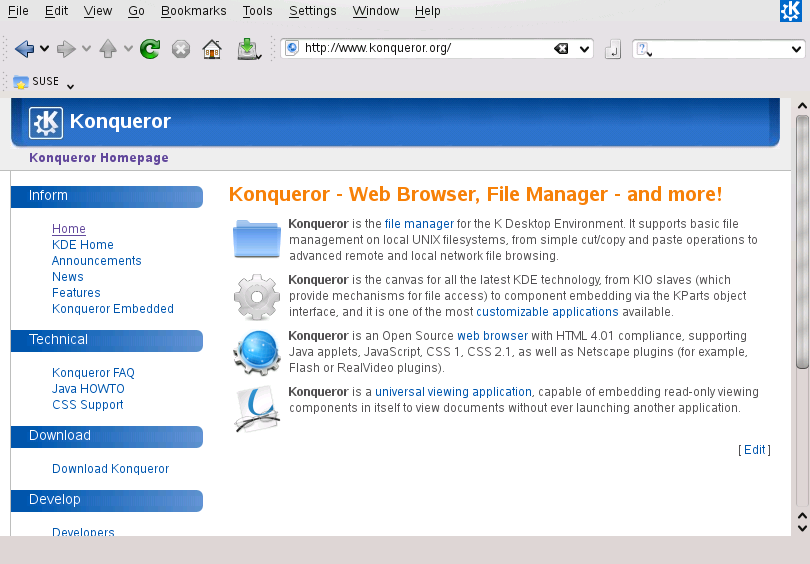
Start Konqueror from the main menu or by entering the command konqueror. If Konqueror does not start, check if the package kde4-konqueror is installed. To load a Web page, enter its address in the location bar, for example, http://www.opensuse.org. Konqueror now tries to reach the address and displays the page. Entering the protocol at the beginning of the address (http:// in this case) is not strictly required. The program is able to complete the address automatically, but this only works reliably with Web addresses. For an FTP address, always enter ftp:// at the beginning of the input field.