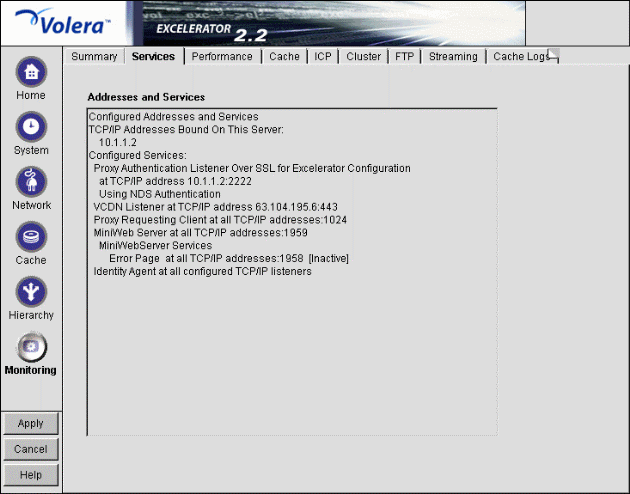
Figure 159
The Services tab shows you the IP addresses that are bound to appliance network cards and the services that are active. This information is refreshed every minute.
Addresses and Services: Displays active services along with the IP addresses and ports that they are running on. When the appliance detects errors, it displays appropriate error messages next to the services. Use this list for troubleshooting problems with configured services.