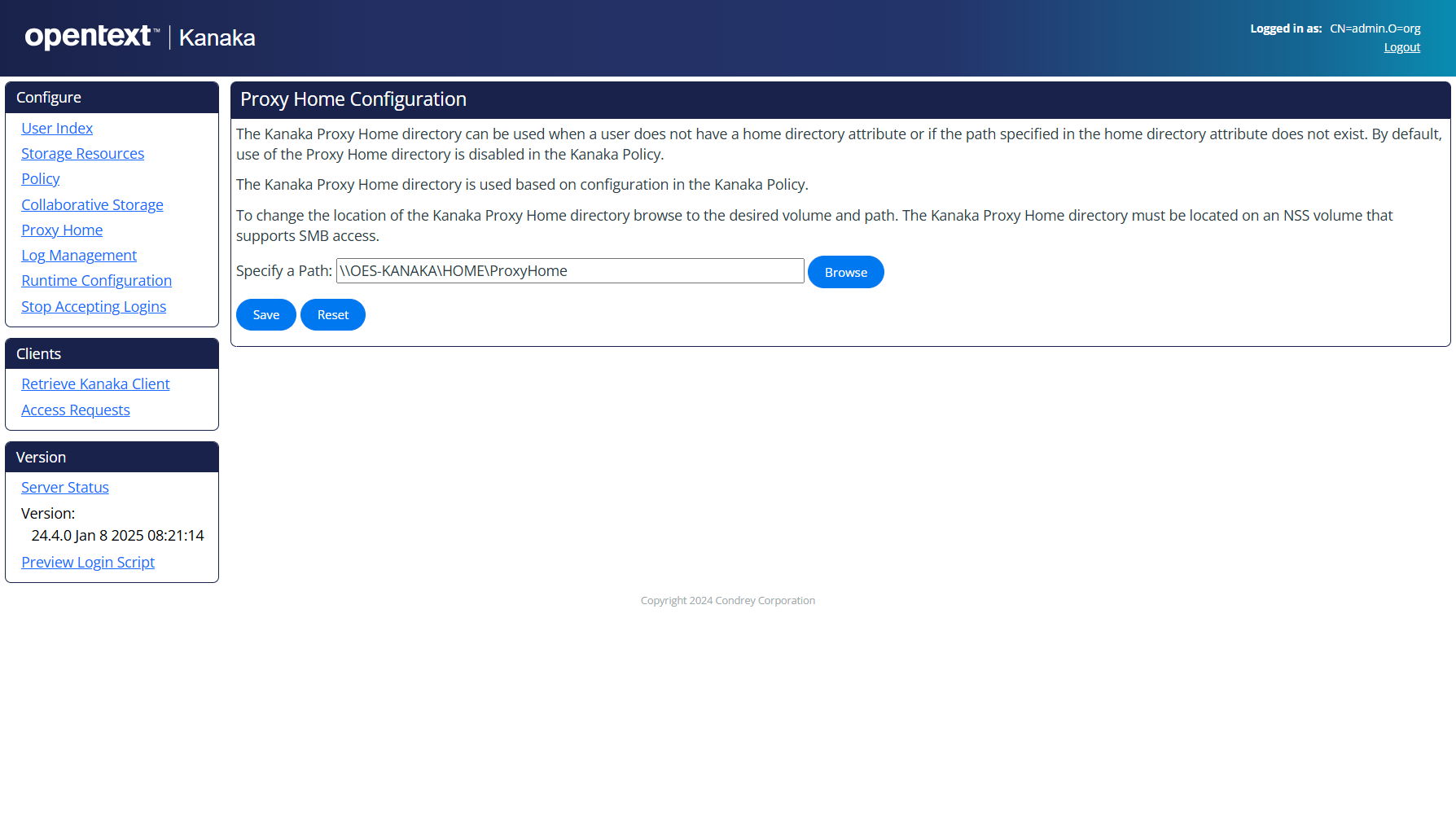
Proxy Home
Proxy home directories are useful in helping to avoid user problems logging in because of incorrectly assigned home directories and incorrectly managed volumes.
If a home directory is not provided as a part of the login process, macOS fails the login.
However, Kanaka can communicate to the user (and the administrator) and indicate the reason why the login is failing. A proxy home directory is passed back to the client for mounting when mounting the “real” home directory is not possible for some reason.
The proxy directories are managed in the Web management interface for Kanaka at https://server_ip_or_DNS_name:3089.
IMPORTANT: It is very important for the volume of the server where the Kanaka Engine is running to have the SMB volume name configured and have OES CIFS for Linux configured so that all users can reference it.