In ConsoleOne, right-click the Application object you want to add to a folder >click Properties.
Click the Identification tab > click Folders to display the Folders page.
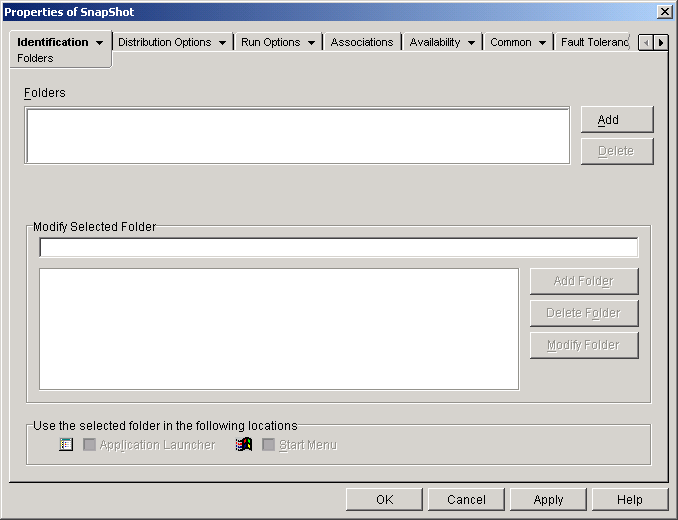
Click the Add button > click Custom Folder to add a New Folder entry to the Folders list. In the Modify Selected Folder list, select the New Folder entry > click Modify Folder > type a name for the folder > press Enter. If you want to add subfolders, select the folder > click Add Folder > type a name for the subfolder > press Enter. IMPORTANT: If you add subfolders, the Application object is displayed in the lowest level folder.