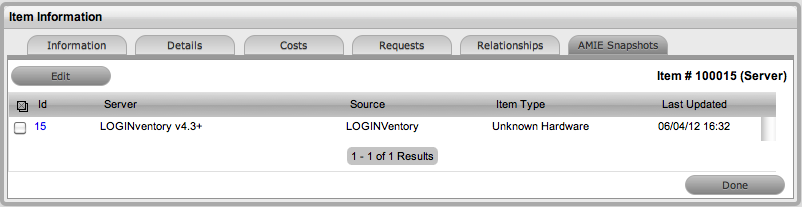
(This tab is only visible when two or more asset management tools are synched within AMIE as configured in Admin>Setup> AMIE tab.)
The Item Information AMIE Snapshots tab displays a list of Snapshots that apply to the Item Information being displayed, and provides a search and remove functionality. Click on the Snapshot Id to view what information was imported from the various asset management tools.
As different asset management tools may not record the same information for an Item, the most relevant information from different sources can be combined against one Item within the CMDB, by merging snapshots created by the different tools using the Category Map configured for an Item Category.
When the application is configured to synchronize with multiple asset management tools and the automatic Item creation option is disabled in Admin>Setup>AMIE Import, the system creates an image or Snapshot of the asset information which is made available for management within the Configuration>AMIE Snapshot screen for all Items, or viewed within the AMIE Snapshots tab for a specific Item that uses a federated source for Item Details.
The information source that is applied to the fields in the Details tab, is defined in the Federation tab of the Category associated with the Item. (See: Federation Tab.) Based on the map built in the Federation tab, fields within the Item Details tab are populated when AMIE snapshots are applied to new or updated Items. (See: AMIE Snapshots.)