Select Setup>Reports
Click Import
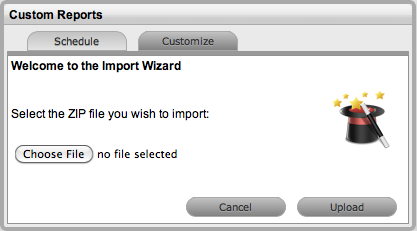
Select Choose File to search and select the Zip file to be imported
Click Upload
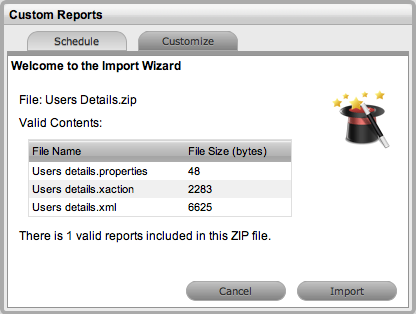
Click Import.
The Customize tab displays a list of sample customized reports that have been created within Pentaho and made available for publication within the Supervisor>Reports>Customize tab. These default customized reports can be deleted, if required. Alternatively, more reports can be imported for publication within the support system using the Customize tab.
For more information about creating customized reports using Pentaho, see Creating Custom Reports.
Using the ZIP files exported from Pentaho, to import the customized reports:
Select Setup>Reports
Click Import
Select Choose File to search and select the Zip file to be imported
Click Upload
Click Import.
To remove custom reports from the system:
Select Setup>Reports
Check the report in the list to be removed
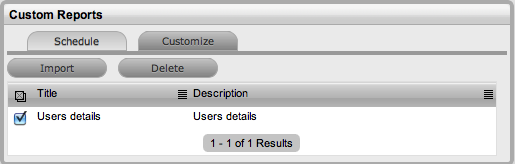
Click Delete.