Note, this menu option is only visible when Purchase Orders is enabled in Admin>Setup>Billing.
Note, within the Help Desk application this option is found within Supervisor>Service tab.
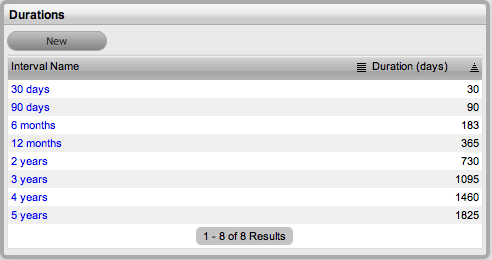
The Durations menu is used to configure periods of time used for warranty and lease durations. They appear as a drop-down list when a default Warranty Service Level Agreement (SLA) is assigned to an Item Type. The duration selected determines the length of the warranty period.
Within Purchase Orders, the Lease Durations appear when a PO is created for leased Items, to specify the lease period.
Within the Duration menu, a number of default durations exist. These can be edited or new durations created.
To create or edit durations:
Select
CMS > Durations
(In the Help Desk application as a Supervisor select the Service >
Durations tab)
Select
the New button to create a new duration
Or, click on the duration Interval Name to edit an existing duration.
The individual Duration screen appears.
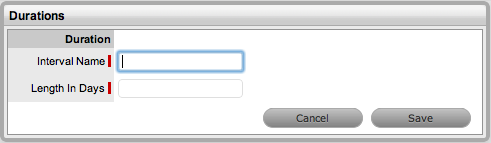
Enter the required interval name
Define the time period for the Duration
Click Save.
To remove an entry on the Durations list:
Select CMS>Durations
The Durations screen appears.
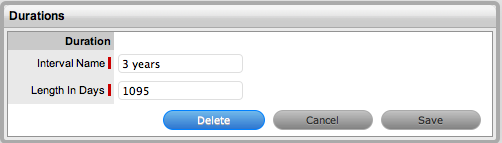
Click on the Duration link that is to be deleted
Select the Delete button
A warning message is displayed.
Click OK in the warning message.