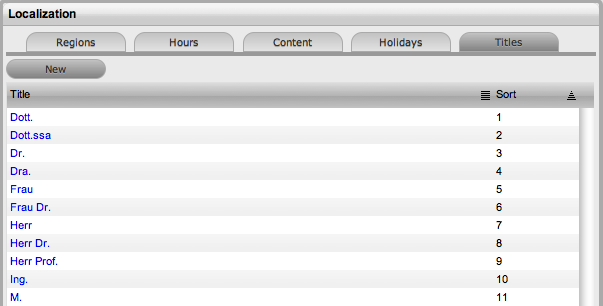
When the Use Titles option is enabled in the Setup>Privileges>Customer tab, the Titles option is visible within the Setup>Localization screen. Titles configured here become an option within the Customer and User Information screens. When this option is enabled, a list of title options are displayed in the Titles table.
Titles listed can be re-named or have their sort order changed as required.
To edit a pre-existing entry in the Titles list:
Within Setup>Localization>Titles
Select the relevant Title hyperlink
Amend the Title detail, if required
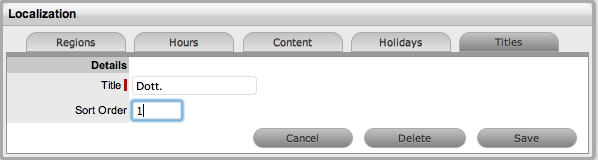
Update the Sort Order detail, if required
This will change where the Title appears in the drop-down list options
when the Title field is included in the Customer Information screen.
Click Save.
Alternatively, to remove an entry from the Titles list, select the Title hyperlink and click Delete.
To create an additional Title list option:
Within Setup>Localization>Titles
Select the New button
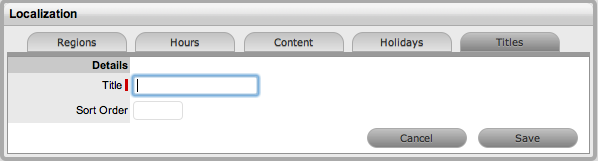
Complete the Title details
Enter Sort Order number
This will define where the Title appears in the drop-down list options
when the Title field is included in the Customer Information screen.
Click Save.