A Planned Outage is when an Item is assigned an outage period defining when the Item will become offline or unavailable. For example, the Item may be scheduled for maintenance.
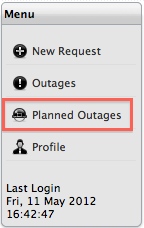
To view a list of Planned Outages for the Items, within the Items tab Menu list:
Select
the Planned Outages option
A list of Planned Outages is displayed

Select
the Planned Outage No. link for more detailed information about an
affected Item
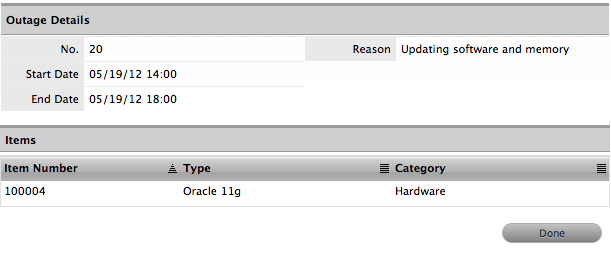
Click
the Item Number link to view the Relationship Map.
The pop-up window displays information
on how the outage affects related Items, if the option is enabled
for the system.
Scroll over the Map icon labels to view Item details
Click
 to close the Relationship Map window.
Click
Done.
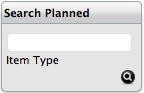
If
enabled, Planned Outages can be searched by specific Item Type. Enter
an Item Type into the search box provided to generate a list of unavailable
Items based on the Item Type.
Note:
Outages only apply to Service Manager Customers.