Select Setup>SSO
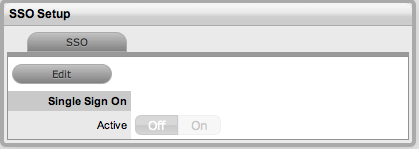
Click Edit
Toggle
On
Single sign on (SSO) options are provided for organizations using request header based, single sign-on technologies such as JOSSO, Shibboleth or Site Minder. These work best with directory server technologies, as they keep the account details synchronized. It should be noted that some of these technologies rely on application server redirects to be implemented, so Administrators are advised to check the documentation of their SSO provider for details on how to activate and use request header based Single Sign On.
When configured, SSO allows Customers and Users who have logged onto their networks using their directory server authentication credentials, to automatically access the service management application without re-entering their login details.
To configure SSO:
Select Setup>SSO
Click Edit
Toggle
On
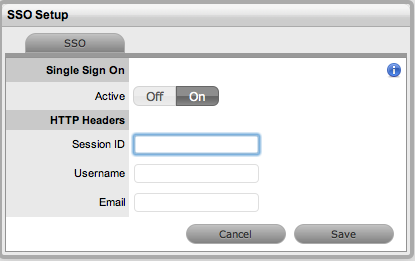
Complete all fields
Fields |
Description |
Session ID |
Enter the
name of the HTTP Header that contains the SSO session id.
All the Headers can be viewed by clicking |
Username |
Enter the name of the HTTP Header that will contain the Login of the User attempting to access the support system. |
Enter the name of the HTTP Header that will contain the email address of the User attempting to access the support system. |
To view all Session
Headers click 
Select Save.