Go to the Setup tab
Move to the Email>Templates tab
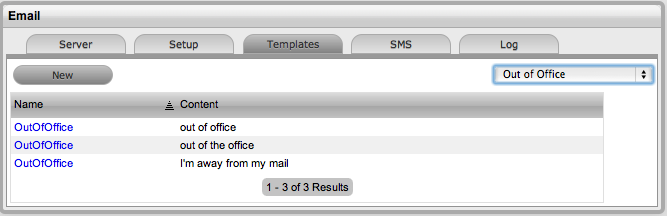
Select the Out of Office option
Click New or select the relevant message link
Add or amend the Subject line content that
is to be identified by the system
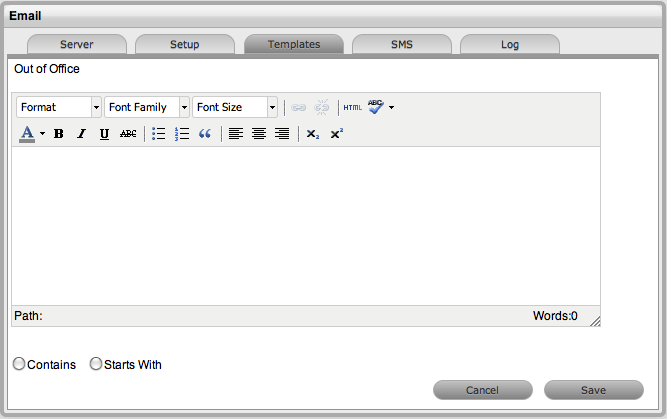
Click Save.
Users can customize multiple Out of Office options within the application, which allows the system to identify incoming email Subject lines with this message in different languages. The system will ignore emails with this content in the Subject line of emails.
To add or edit out of office messages as an Administrator:
Go to the Setup tab
Move to the Email>Templates tab
Select the Out of Office option
Click New or select the relevant message link
Add or amend the Subject line content that
is to be identified by the system
Click Save.