Select Setup > SSO > Social tab
Click New
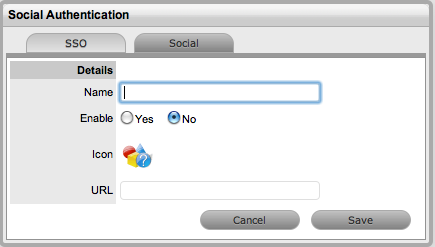
Complete the Name field
Select Yes to enable the Provider to authenticate Users and Customers
Click  to upload the OpenID's icon that will be displayed on the system
Log in page
to upload the OpenID's icon that will be displayed on the system
Log in page

Click Choose File to
search for the image file
The image must be 32x32 pixels.
Click  to upload
Define the URL details for the OpenID Provider
Click Save.
The icon for the OpenID Provider will now be active on the system Log
in page.