In ConsoleOne, browse to and select the Domain object where you created the Async Gateway.
Right-click the Async Gateway object, then click Properties.
Click GroupWise > Gateway Administrators.
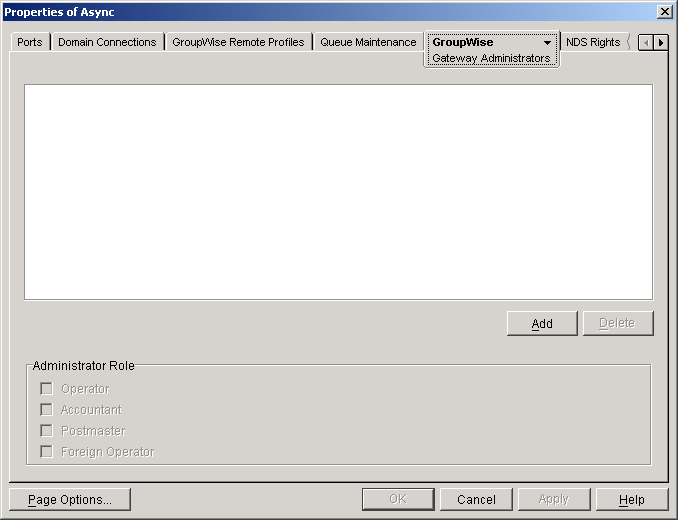
Click Add to display the Select GroupWise Object dialog box.
All users in your GroupWise system are listed alphabetically by their user IDs. You can select Distribution Lists to list distribution lists instead of users.
Use the Filter fields above the list to restrict the length of the list.
Double-click a user that you want to add to the list of gateway administrators.
The user's context is displayed in the Gateway Administrators list.
Select the user, then select one of the two administrator roles that can be used with the Async Gateway. The two administrator roles are:
Operator: A gateway administrator type that enables the gateway program to send a messages notifying the designated GroupWise user (that is, the gateway's operator) when certain errors occur.
Accountant: A gateway administrator feature that enables the gateway to keep accounting records for every message it sends. Each day, the record is sent to the user designated as the gateway's accountant. Multiple users can be designated as gateway accountants. For more information, see Setting Up Gateway Accounting.
Click Apply.
When your administrator list is complete, click OK.