In ConsoleOne, connect to the domain where you installed the Exchange Gateway (worksheet item 4), then select the Domain object.
Right-click the Exchange Gateway object, then click Properties.
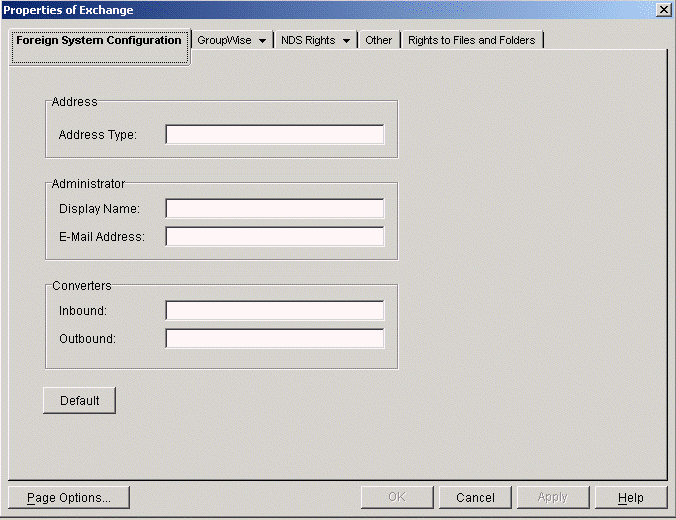
Click Default to populate the fields.
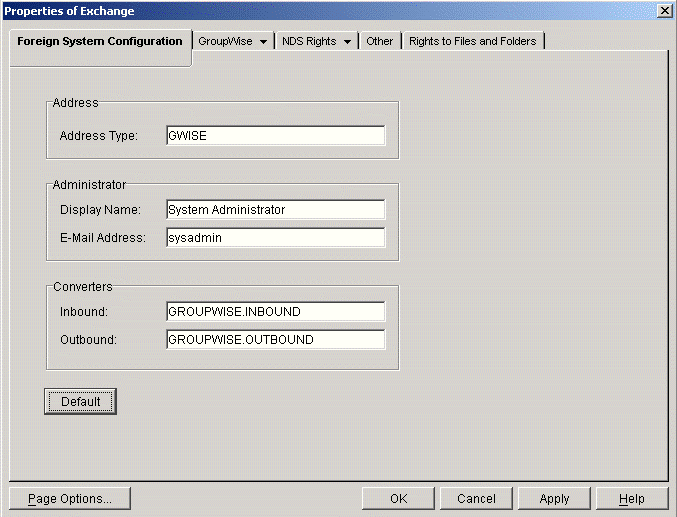
The defaults are typically acceptable, but you can change the information if needed.
Address: Specify the name of the Exchange address type (worksheet item 11) that you want the gateway to create in the Exchange system. The default is GWise.
Administrator: Specify the name and e-mail address of the administrator of the Exchange system.
Converters: The locations of the conversion DLLs is provided automatically.
Click Apply to save the foreign system configuration information.
Continue with Providing Foreign System Configuration Information.