16.2 Exporting Templates
You might want to export templates for the following reasons:
-
To import the template into another system.
For information on how to import a template, see Section 16.3, Importing Templates.
-
To back up the template.
This can be useful if you want to make edits to a template, and want to restore the original if your edits don’t go according to plan.
Kablink Teaming enables you to export individual templates, or export multiple templates simultaneously.
16.2.1 Exporting a Single Template
-
Click the icon
 .
.
-
Under Management, click .
-
Click the workspace or folder template that you want to modify.
-
Click .
-
Click .
-
Click .
16.2.2 Exporting Multiple Templates
-
Click the icon
.
-
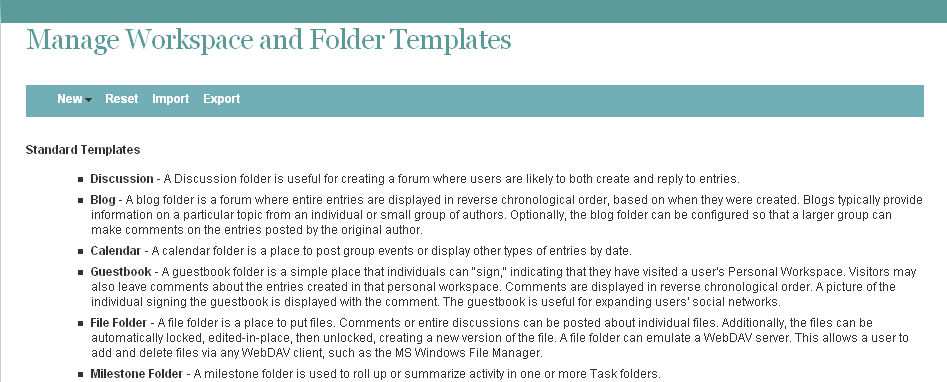
Under Management, click .
-
Click .
-
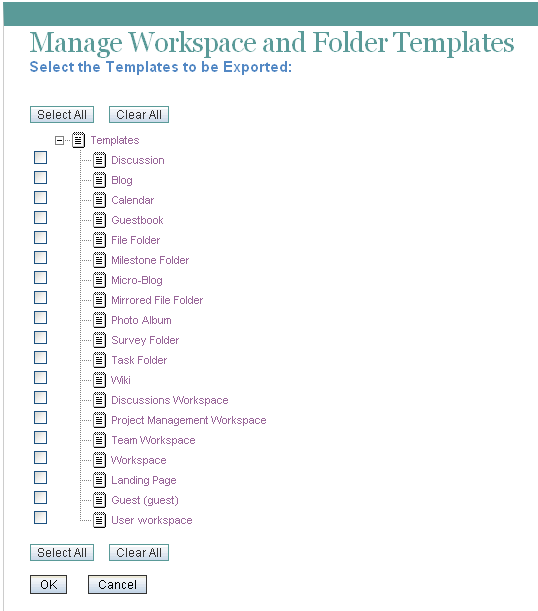
In the section, select the template or templates that you want to export, then click .