1.5 Scheduling a Meeting
Scheduling a meeting allows you to ensure that all the necessary people are invited and are able to attend.
-
Log in to your Novell Conferencing account.
For information on how to log in, see Section 1.2, Logging In.
-
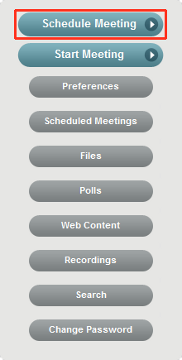
Click .
-
In the Schedule Meeting dialog box, specify the meeting name, agenda, start and end dates, start time, time zone, and the e-mail addresses of the people you want to invite to the meeting.

You can also specify a meeting key to make it a private meeting. For more information, see Section 8.1, Making Your Meeting Private.
-
Click .
An e-mail with details of your scheduled meeting is sent to the invitees.
A widget is also created, which you can use to invite people to your meeting and to track meeting details. For more information, see Section 5.1, Viewing the Widget.