

Right-click the ACL Rule object, then click Extensions of This Object.
Click Add Extension, select the commerceProxySecretStore auxiliary class extension, then click OK to display the OnDemand iChain Refresh page.
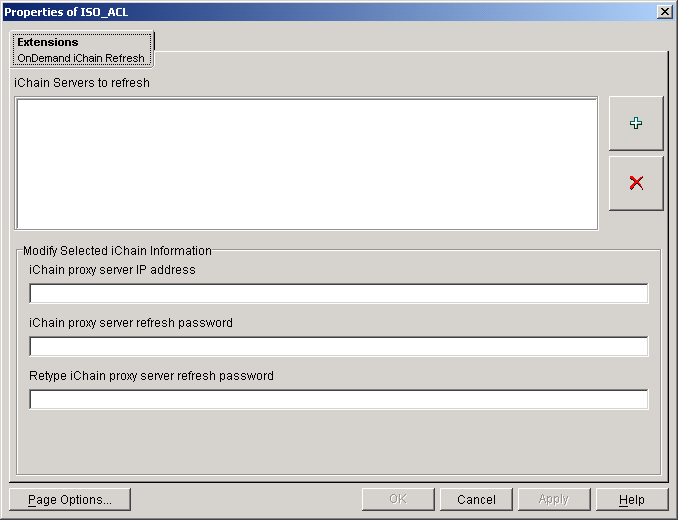
Click the Add (+ sign) button to add an address to the iChain Servers to Refresh list.
In the list, select the address that was just added to display it in the iChain Proxy Server Address field.
Modify the following fields:
iChain Proxy Server Address: Change the sample address to the iChain server's address. Press Enter after you've modified the address so that the list will reflect the change. If you don't press Enter, the change will not be made.
iChain Proxy Server Refresh Password: Type the existing password required to refresh ACL rules. This is the same password used by the iChain Config user.
Retype iChain Proxy Server Refresh Password: Confirm the password by retyping it.
Click Apply to save the changes.
Repeat Step 3 through Step 6 to define additional iChain server's whose ACL rules list should be refreshed when OnDemand Services updates the ACL rule.
When finished defining iChain servers, click OK, then click Close to close the extensions dialog box.