12.10 Adding NFS Export for a Clustered Pool Resource
You can add NFS support for a clustered NSS volume by adding an exportfs(8) command to the load script and unload script for a clustered pool resource. Basically, the order in load script should be NSS, NFS, IP, and NCP. The order is reversed in the unload script.
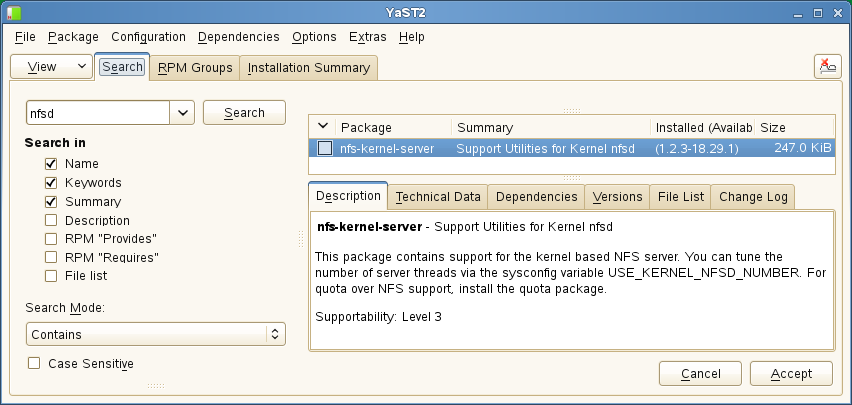
Before you use the exportfs(8) command in resource scripts, ensure that you install the nfs-kernel-server package on all of the cluster nodes in the resource’s preferred nodes list. This contains the support utilities for the kernel nfsd daemon. It is not installed by default. You can use the > > tool to find and install the package.
Figure 12-1 Using YaST Software Management to Install the nfs-kernel-server Package