7.1 Securing LDAP Communications between Filr and Active Directory
IMPORTANT:On NODS, all administrative passwords are novellfilr.
-
Generate a self-signed certificate for Active Directory.
-
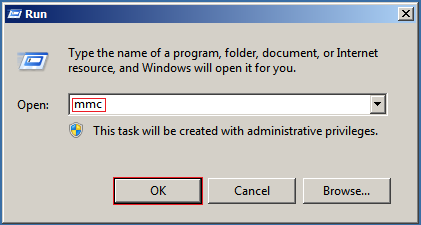
On the Windows server, click > , then enter mmc.
-
In MMC, type Ctrl+M.
-
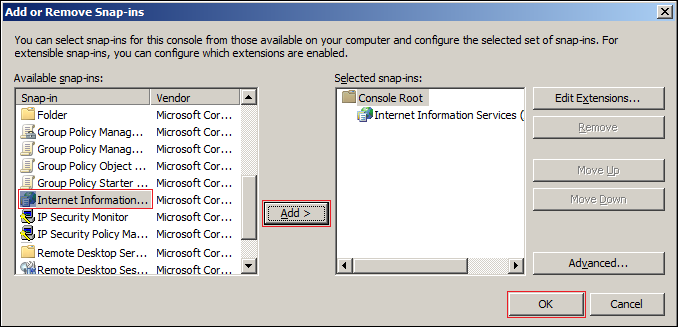
In the Add or Remove Snap-ins dialog, select the snap-in.
If the snap-in is not installed on your Windows server, install it.
-
With IIS selected, click , then click .
-
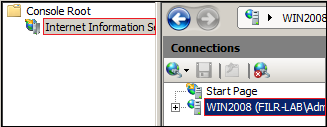
In the left frame, click , then click a Windows server that Filr can connect to for synchronizing the test users that you created in Section 4.0, Creating Test Users.
-
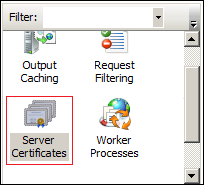
In the Filter list, scroll down to and double-click the icon.
-
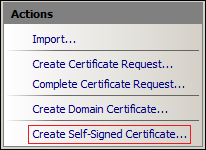
In the list (on the right), click .
-
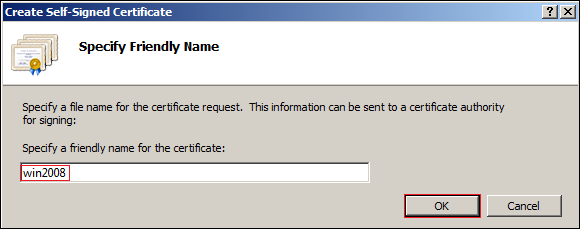
Name the certificate with a name you can remember, such as the server name, then click .
-
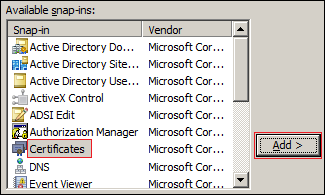
Type Ctrl+M, select the plug-in, then click .
-
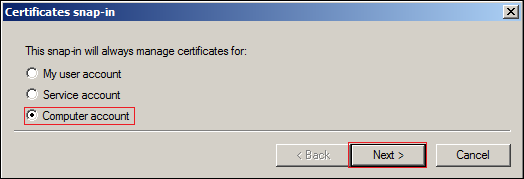
Select , then click .
-
Click .
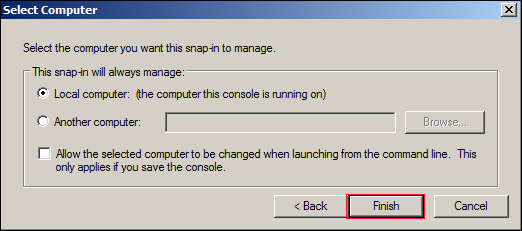
-
In the Snap-ins dialog, click .
If you get a plug-in error, click .
-
In MMC, expand the plug-in, expand , then click .
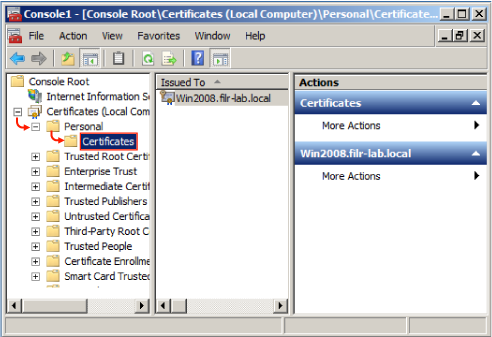
-
Right-click the certificate you created, select , then click .
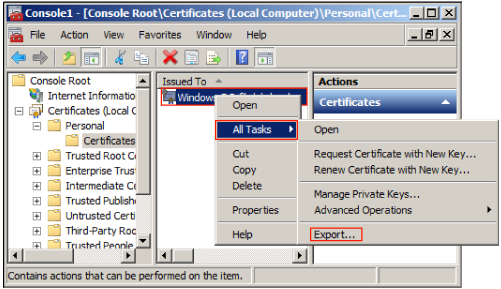
-
In the Certificate Export wizard, click .
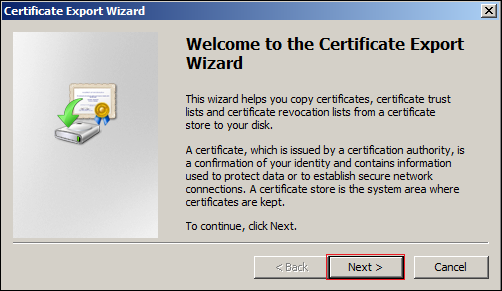
-
Ensure that is selected, then click .
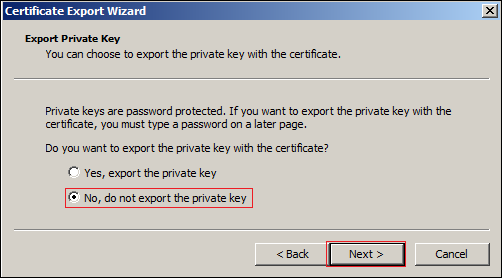
-
Ensure that is selected, then click .
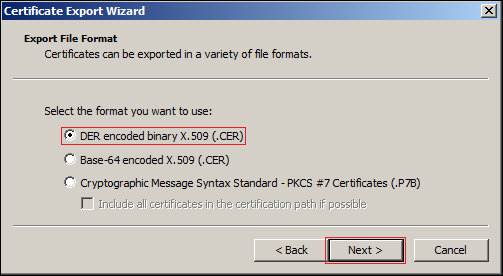
-
Name the certificate, then click .
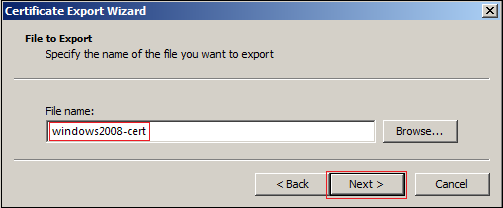
-
Click > .
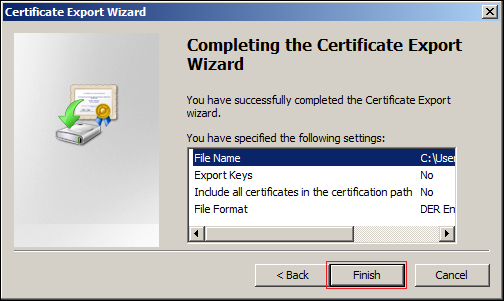
By default, the certificate is saved in C:\Users\Your-User-Name.
On NODS, the directory is C:\Users\Administrator.
-
-
On the Windows server, open a browser and import the server’s certificate into the Filr appliance’s Java Keystore:
-
In the Windows server browser, launch the Filr Console through the following URL:
https://Appliance_IP_Address:9443
For example, on NODS this is
https://172.17.2.112:9443
-
Click through all of the security warnings, add certificates, etc., here and later, and verify that you want to access the server.
-
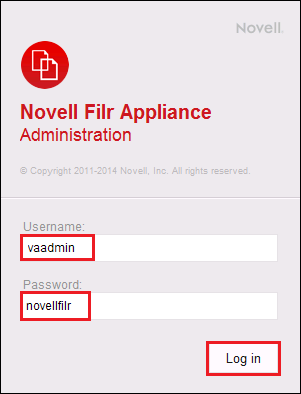
Log in as vaadmin with the password novellfilr.
-
Click the icon.

If you have accessed the console previously, you might need to click the link in the upper-right corner to see the icon.
-
Click the icon.
-
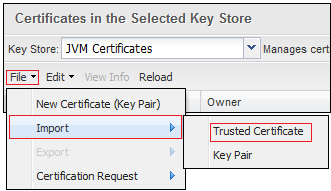
Click > > .
-
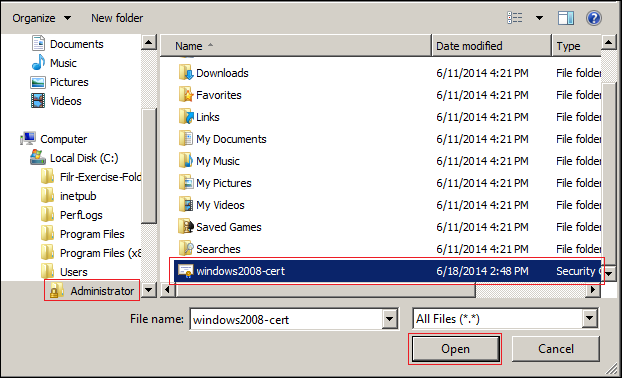
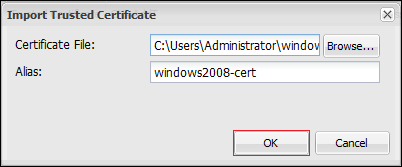
Browse to the certificate file that you saved in Step 1.s, then click .
-
Click > .
-
Click .

-
Click > > .
-
Close the browser on the Windows server.
-
As soon as the Filr appliance restarts, both the Windows server and Filr are prepared for the exercises in Section 7.2, Synchronizing LDAP Users.