

Click the Items tab.
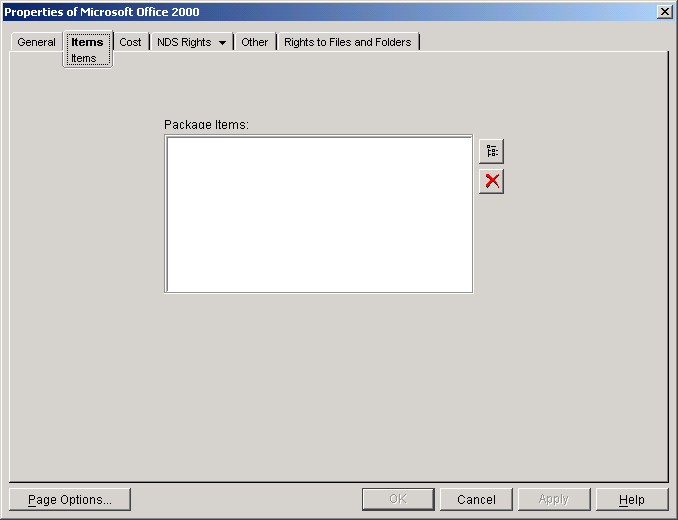
Click the browse button next to the Package Items list, then browse to and select the Application object or Commerce Item object to add to the package.
IMPORTANT: If you add the same application to two different packages and a user purchases both packages, only one application icon will be displayed in the Launch Item gadget. In addition, any charges associated with using the application will accrue to the most recent purchase. After that purchase expires, the charges will revert to the previous purchase.
Leave the Package object's dialog box open, then continue with the next section, Establishing the Package 's Cost .