

| |
To ensure that all aspects of your connections to the frame relay network are covered, complete the following steps:
The interface speed should support the type of applications that will be communicating using NetWare Link/Frame Relay software.
For example, if you have an application that must communicate with three remote sites using a minimum of 32 Kbps sustained bandwidth, the physical interface must be able to support at least 3 x 32 Kbps, or 96 Kbps.
You should also consider traffic pattern characteristics (bursty or sustained) when specifying interface speed.
These values should correspond to those defined in Step 1.
The frame relay network service provider will set up your service and assign DLCI numbers to each PVC.
Figure 7 shows a template of the NetWare Link/Frame Relay configuration worksheet.
Figure 7
NetWare Link/Frame Relay Worksheet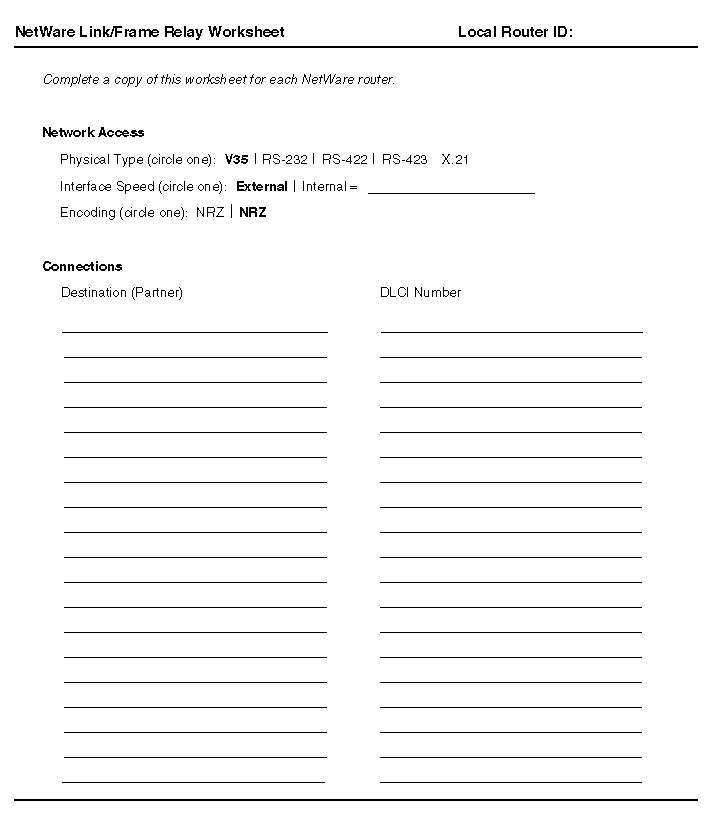
The following fields are included in the NetWare Link/Frame Relay configuration worksheet:
| |