Create an nssoApplication object.
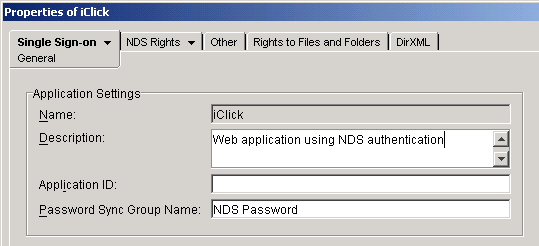
Assign a group name that synchronizes passwords.
Click the Single Sign-on tab > General. In the Password Sync Group Name field, enter the group name that you have set up.
See Synchronizing Passwords for Groups.
Skip the other fields.
The following graphic illustrates the Password Sync Group Name field:
Assign the Web application type.
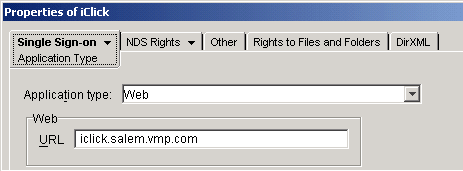
Click the object's Single Sign-on tab > Application Type. From the drop-down list, select Web
Enter a URL > click Apply.
This URL must match the URL that you will later enter in v-GO's Add Logon Wizard. The following graphic illustrates the URL field: